Warehouse SAP Implementation Cost Calculator
Calculate Your Potential Savings
Enter your warehouse metrics to see how SAP EWM could reduce costs and improve efficiency.
Ever wonder how a massive warehouse with thousands of items moving every hour stays organized? It’s not magic. It’s SAP. Companies like Amazon, BMW, and even small regional distributors use SAP to run their warehouses like clockwork. But how does it actually work on the ground? If you’ve ever stood in a warehouse watching workers scan barcodes, rush to pick orders, or reload pallets, you’ve seen SAP in action - even if you didn’t know it.
What SAP Does in a Warehouse
SAP doesn’t just track inventory. It runs the entire warehouse operation. Think of it as the brain behind every box moved, every truck loaded, and every order shipped. At its core, SAP’s warehouse module - called SAP EWM (Extended Warehouse Management) - connects people, machines, and processes into one system. It tells workers where to go, what to pick, when to restock, and how to pack efficiently.
Before SAP, warehouses relied on paper lists, spreadsheets, and guesswork. Mistakes were common. A shipment might go to the wrong customer. Stock counts were off by hundreds of units. Delays piled up. SAP fixes that by giving every item, location, and task a digital identity. Every pallet has a unique ID. Every shelf has a coordinate. Every worker gets real-time instructions on their handheld scanner or tablet.
How SAP Tracks Inventory in Real Time
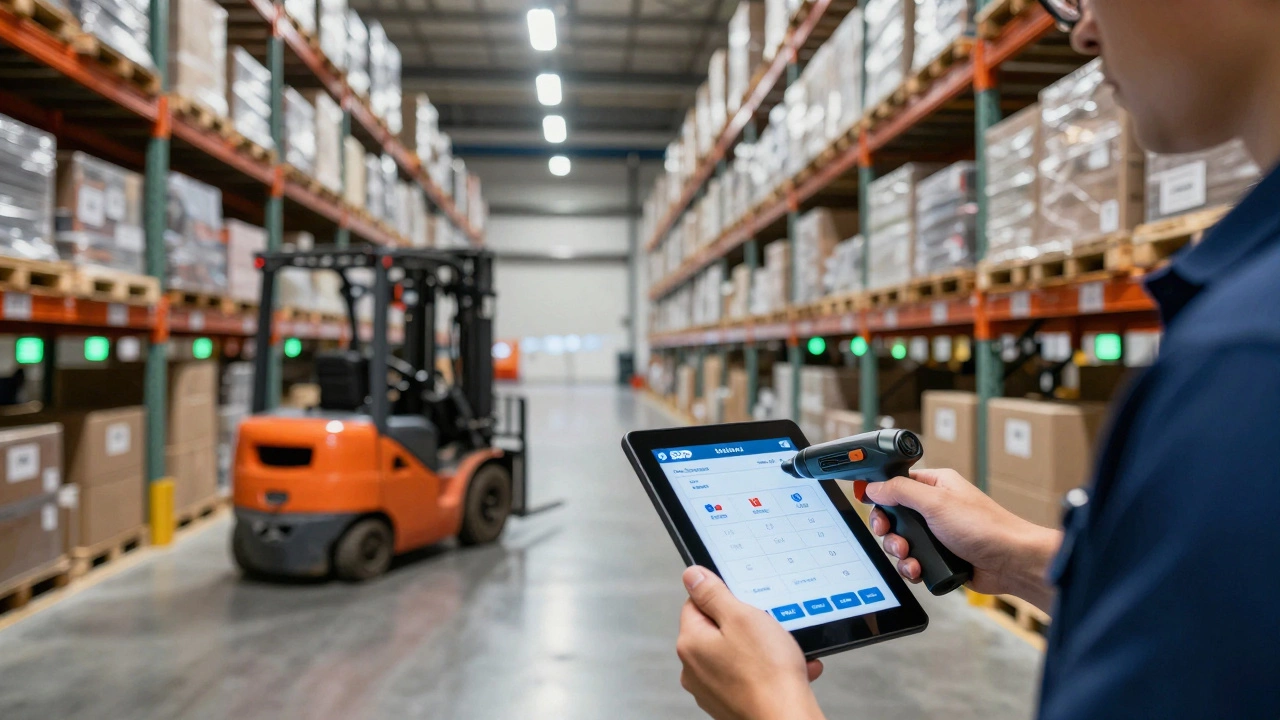
SAP doesn’t wait for daily audits. It updates inventory the moment something changes. When a forklift driver scans a barcode on a pallet entering the warehouse, SAP records: what it is, where it came from, when it arrived, and where it’s stored. That’s not just logging data - it’s creating a live map of your entire stock.
Let’s say you receive 500 boxes of phone chargers. SAP doesn’t just say “500 units added.” It knows those boxes are in Bay 3, Shelf 7, Position 2. If someone later picks one for an order, SAP instantly reduces the count and moves the location status to “reserved.” If a worker scans the wrong item, SAP flags it before it leaves the warehouse. No more shipping the wrong product because someone misread a label.
This real-time tracking works with barcode scanners, RFID tags, and even automated guided vehicles (AGVs). SAP integrates with all of them. You don’t need to replace your equipment - just connect it to the system. A warehouse in Christchurch using old scanners can still run on SAP as long as the data flows in.
How SAP Directs Picking and Packing
Picking is the biggest cost in any warehouse. Workers walking back and forth, searching for items, wasting time. SAP cuts that time by up to 40% by optimizing the route.
Here’s how it works: When an order comes in - say, 12 items from five different locations - SAP doesn’t just list the items. It calculates the shortest path to collect them all. It might tell the picker: “Start at Bay 5, grab the printer cables, then go to Bay 2 for the USB hubs, then Bay 8 for the power adapters.” It even groups orders by destination to reduce travel. If three orders are going to the same city, SAP bundles them into one trip.
It also knows what’s in stock. If an item is low, SAP suggests a replacement or flags it for restocking. If an item is out of stock, it immediately alerts the buyer and suggests alternatives. No more waiting for a customer to complain that their order was canceled.
Packing is just as smart. SAP tells the packer which box size to use, what cushioning to add, and which label to print. It even checks weight limits to avoid shipping violations. One warehouse in Tauranga saved $18,000 a year in shipping fees just by using SAP’s packing recommendations.
How SAP Handles Receiving and Putaway
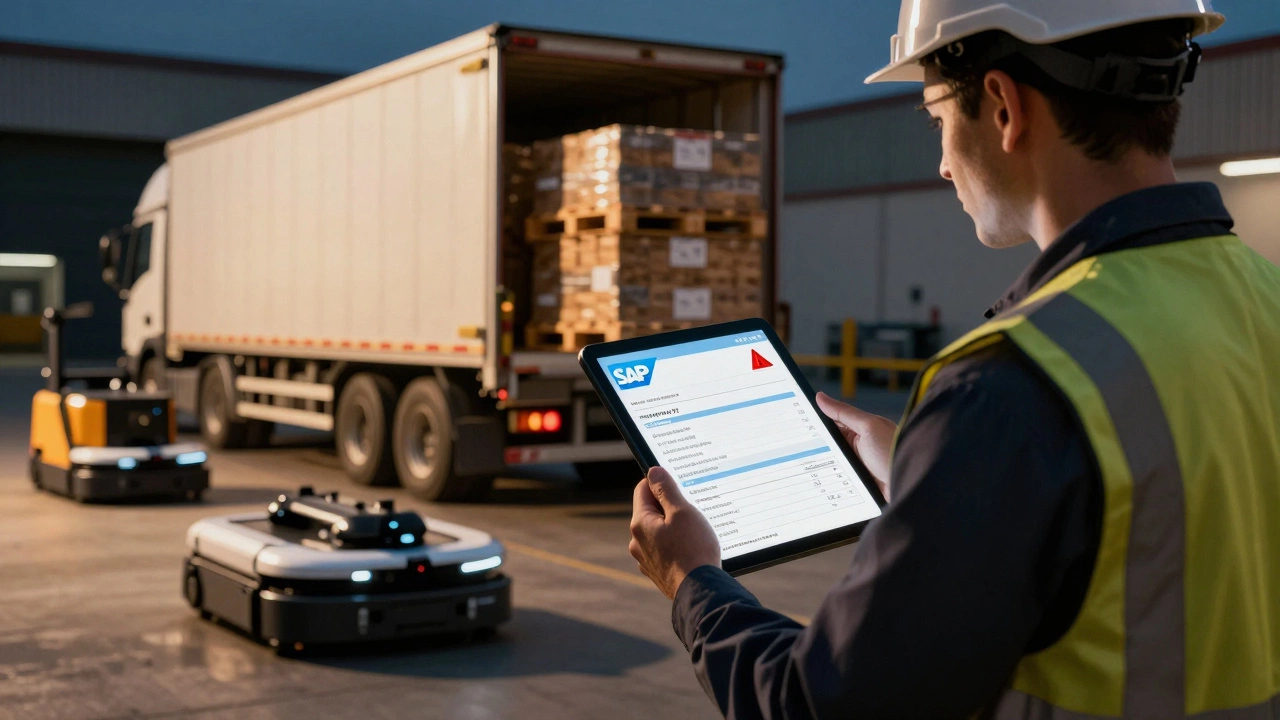
When trucks roll in, SAP doesn’t just say “unload.” It tells the dock worker exactly where to park, which dock door to use, and what to check against the delivery note. It cross-references the physical items with the purchase order. If 100 units were ordered but 115 arrived, SAP flags it. If the wrong item was delivered, it stops the process before it gets into inventory.
Then comes putaway - where things go after they’re checked. SAP doesn’t just dump items in the first empty space. It uses rules you set: “Store heavy items on the bottom,” “Keep fast-moving items near the packing area,” “Group products by supplier.” It even considers temperature. If you store medicines or food, SAP directs those items to climate-controlled zones automatically.
One warehouse in Hamilton reduced its putaway time from 4 hours to 45 minutes after implementing SAP’s automated putaway logic. Workers didn’t have to think. The system told them where to go, and they just followed.
How SAP Integrates With Other Systems
SAP doesn’t work in a vacuum. It talks to your ERP system, your shipping carriers, your e-commerce store, and even your accounting software. If you sell on Shopify or Magento, SAP pulls orders directly into the warehouse. No manual entry. No typos. No delays.
When an order ships, SAP updates the customer’s tracking number automatically. It sends a notification to the buyer. It reduces inventory. It logs the cost of shipping. It posts the sale to your financial system. All in seconds.
It also connects with transportation management systems (TMS). If you use a courier like NZ Post or DHL, SAP can generate shipping labels, choose the cheapest carrier based on weight and destination, and even schedule pickups. No more calling the courier at 5 p.m. because you forgot to book a drop-off.
Why SAP Beats Other Warehouse Systems
There are cheaper warehouse systems out there. Some are simpler. Some are cloud-based. But SAP stands out because it’s built for scale and precision.
Compare it to a basic WMS (Warehouse Management System):
| Feature | SAP EWM | Basic WMS |
|---|---|---|
| Real-time inventory tracking | Yes, with RFID and barcode support | Often delayed, manual updates |
| Automated picking routes | Yes, AI-driven optimization | Manual or simple list-based |
| Integration with ERP | Native, seamless | Requires third-party connectors |
| Support for automation (AGVs, robots) | Yes, built-in | Limited or none |
| Multi-location warehouse support | Yes, global networks | Usually single site only |
| Reporting and analytics | Advanced, customizable dashboards | Basic reports, limited insight |
SAP is expensive to set up. It’s not for a tiny warehouse with 500 SKUs. But if you’re handling 10,000+ items daily, managing multiple sites, or shipping internationally, SAP pays for itself in reduced errors, faster shipping, and lower labor costs.
Who Uses SAP in Warehouses Today?
You’ll find SAP in warehouses across New Zealand and beyond. In Auckland, a food distributor uses it to track perishables across 12 cold storage zones. In Wellington, a medical supplier relies on SAP to ensure every vaccine shipment meets strict traceability rules. Even a small Auckland-based electronics retailer uses SAP to handle 300+ daily orders without hiring more staff.
The common thread? They all needed control. They all had growing pains. SAP didn’t just make things faster - it made them predictable. No more guessing if inventory was accurate. No more frantic calls to suppliers when orders vanished. Just clean, clear, real-time data.

What You Need to Get Started
Implementing SAP in a warehouse isn’t plug-and-play. You need:
- A clear understanding of your warehouse layout and processes
- Staff trained to use scanners and tablets
- Integration with your existing ERP or e-commerce platform
- Time - most implementations take 3 to 6 months
You don’t need to replace everything. SAP can work with your existing forklifts, shelves, and scanners. The key is data flow. If your current system can export inventory lists or receive barcodes, SAP can use it.
Start small. Pick one warehouse or one process - say, picking - and pilot SAP there. Measure the time saved, the errors reduced. Then expand. Most companies see a return on investment within 12 months.
Common Mistakes to Avoid
Not everyone gets it right. Here are the top three mistakes I’ve seen:
- Trying to automate everything at once. Start with the biggest pain point - usually picking or receiving.
- Ignoring staff training. If workers don’t trust the system, they’ll override it. Show them how it saves them time.
- Not cleaning up data first. If your inventory is a mess, SAP will just digitize the chaos. Clean your stock before you go live.
One warehouse in Taranaki spent six months cleaning up old stock before even installing SAP. They found 3,000 items that didn’t exist anymore. After cleanup, their inventory accuracy jumped from 78% to 99.6%.
Can SAP work in a small warehouse?
Yes, but it’s overkill for very small operations. If you handle fewer than 500 items per day and have one or two staff, a simple app or spreadsheet might be enough. SAP shines when you’re scaling - handling 10,000+ items daily, managing multiple locations, or integrating with complex supply chains.
Does SAP require special hardware?
No. SAP works with standard barcode scanners, tablets, and handheld devices. You don’t need to buy new forklifts or robots. If your current equipment can scan barcodes or send data wirelessly, SAP can connect to it. RFID tags are optional but helpful for high-volume or high-value items.
How long does SAP implementation take?
Typically 3 to 6 months for a single warehouse. Smaller setups with simple processes can go live in 2 months. Complex multi-site deployments with custom integrations may take 8 to 12 months. The key is starting with one process - like receiving or picking - and expanding from there.
Is SAP better than Oracle or Microsoft Dynamics for warehouses?
It depends. Oracle’s WMS is strong in manufacturing-heavy supply chains. Microsoft Dynamics is easier for small businesses already using Office 365. SAP leads in global scalability, deep integration with ERP systems, and advanced automation support. If you’re already using SAP for finance or procurement, adding SAP EWM makes the most sense - it’s designed to talk to itself seamlessly.
Can SAP reduce warehouse labor costs?
Yes - but not by cutting staff. SAP reduces labor waste. Workers spend less time walking, searching, or fixing mistakes. One company in Nelson reduced picking errors by 80%, which meant fewer hours spent on returns and customer complaints. Labor costs dropped because productivity went up, not because people were fired.
What Comes Next?
If you’re using SAP in your warehouse today, you’re already ahead. But the next step is automation. SAP is now integrating AI to predict stock needs, suggest optimal storage layouts, and even forecast delays before they happen. One warehouse in Wellington uses SAP’s AI to predict which products will sell out next week - and auto-orders replacements before the shelves go empty.
Warehouse technology isn’t slowing down. SAP keeps evolving. But the goal hasn’t changed: get the right item, to the right place, at the right time - with zero mistakes. That’s not just efficiency. That’s reliability. And in logistics, reliability is everything.