Warehouse Software Selector
Core Recommendation
Key Features Needed:
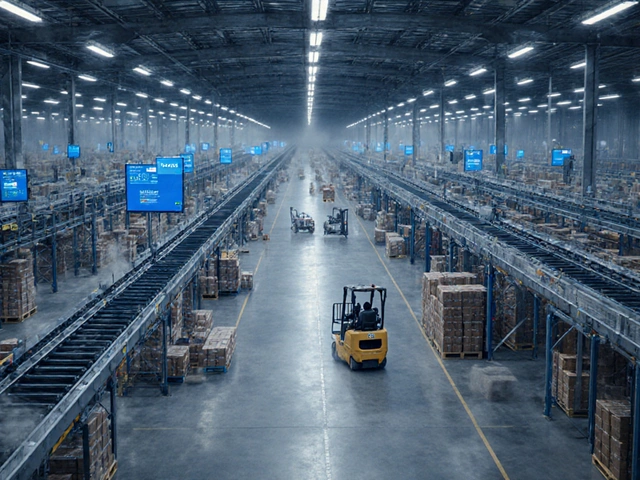
You walk into a modern distribution center. It’s loud, fast, and chaotic-or at least it looks that way from the outside. But inside the digital brain of the operation, everything is precise. If you’ve ever wondered what software does warehouse use to keep thousands of items moving without getting lost in the shuffle, you’re asking the right question. It’s not just one program. It’s an ecosystem.
Most people think a warehouse runs on spreadsheets or maybe a basic database. In reality, mid-to-large facilities rely on specialized systems designed to handle the physical reality of stock: where it is, how much there is, and when it needs to move. This guide breaks down the core technologies powering today’s warehouses, from the central command center to the handheld devices workers hold in their hands.
The Core Engine: Warehouse Management Systems (WMS)
At the heart of almost every serious logistics operation sits the Warehouse Management System, or WMS. Think of this as the operating system for your building. It doesn’t just track what you have; it tells you exactly where to put it and how to get it out efficiently. Without a WMS, you are essentially flying blind, hoping that the person who put the last pallet away remembered where they left it.
A robust WMS handles several critical jobs simultaneously. First, it manages inventory levels in real-time. When a worker scans a barcode, the system updates instantly across the network. Second, it optimizes picking routes. Instead of sending a picker zig-zagging through aisles randomly, the software calculates the shortest path to grab multiple items for different orders. This alone can cut travel time by up to 30%.
There are two main types of WMS deployment you’ll encounter:
- Standalone WMS: These are dedicated programs focused solely on warehouse tasks. They often integrate with other business tools via APIs but operate independently.
- ERP-Integrated Modules: Many companies use Enterprise Resource Planning systems like SAP or Oracle NetSuite. These include built-in warehouse modules. While convenient, they sometimes lack the deep, granular control features found in specialized standalone WMS platforms.
Beyond the Walls: Warehouse Execution and Control
Here is where things get interesting. A standard WMS knows what you have. But it doesn’t always know how to make the machines talk to each other in real-time. Enter the Warehouse Execution System (WES). While a WMS plans the work, a WES executes it dynamically.
Imagine you have automated conveyor belts, robotic arms, and human pickers all working in the same zone. A WMS might assign a task to a robot, but if that robot gets stuck behind a jammed belt, the WMS doesn’t automatically reassign the job to a human nearby. A WES does. It monitors the floor in real-time, balancing the load between humans and machines to prevent bottlenecks.
This distinction matters because automation is no longer optional for high-volume centers. According to industry reports from Gartner, over 50% of large-scale distribution centers now utilize some form of automated material handling. If you aren’t using a WES or a similar orchestration layer, you’re likely leaving efficiency gains on the table.
The Hardware Interface: WMS vs. WCS
To understand the full stack, you need to distinguish between three acronyms that sound similar but do very different things. Confusing them leads to bad purchasing decisions.
| Software Type | Primary Function | Best For | Complexity Level |
|---|---|---|---|
| WMS (Management) | Inventory tracking, order planning, labor management | All warehouses needing accurate stock records | Medium to High |
| WCS (Control) | Directing specific machinery (conveyors, sorters, ASRS) | Facilities with heavy automation hardware | High |
| WES (Execution) | Real-time workflow optimization and hybrid labor/machine coordination | High-throughput, mixed automation environments | Very High |
The Warehouse Control System (WCS) acts as the translator between the WMS and the physical hardware. The WMS says, "Send package A to Dock 4." The WCS figures out which buttons to press on the sorter to make that happen. If you buy a WMS without considering whether you need a WCS, you might find yourself manually driving conveyors or having IT write custom scripts just to get data off a machine.
Inventory Accuracy Tools: RF Scanners and Voice Picking
Software is useless if the data entering it is wrong. This is why the interface between the worker and the system is critical. Historically, this meant paper lists and clipboards. Today, it means mobile computing.
RF Scanning (Radio Frequency): This is the most common method. Workers carry handheld devices or wearables that scan barcodes or QR codes. Each scan confirms an action-receiving, putting away, picking, or packing. The benefit here is visual confirmation. You see the screen, you scan the code, the system updates. It’s reliable and relatively cheap to implement.
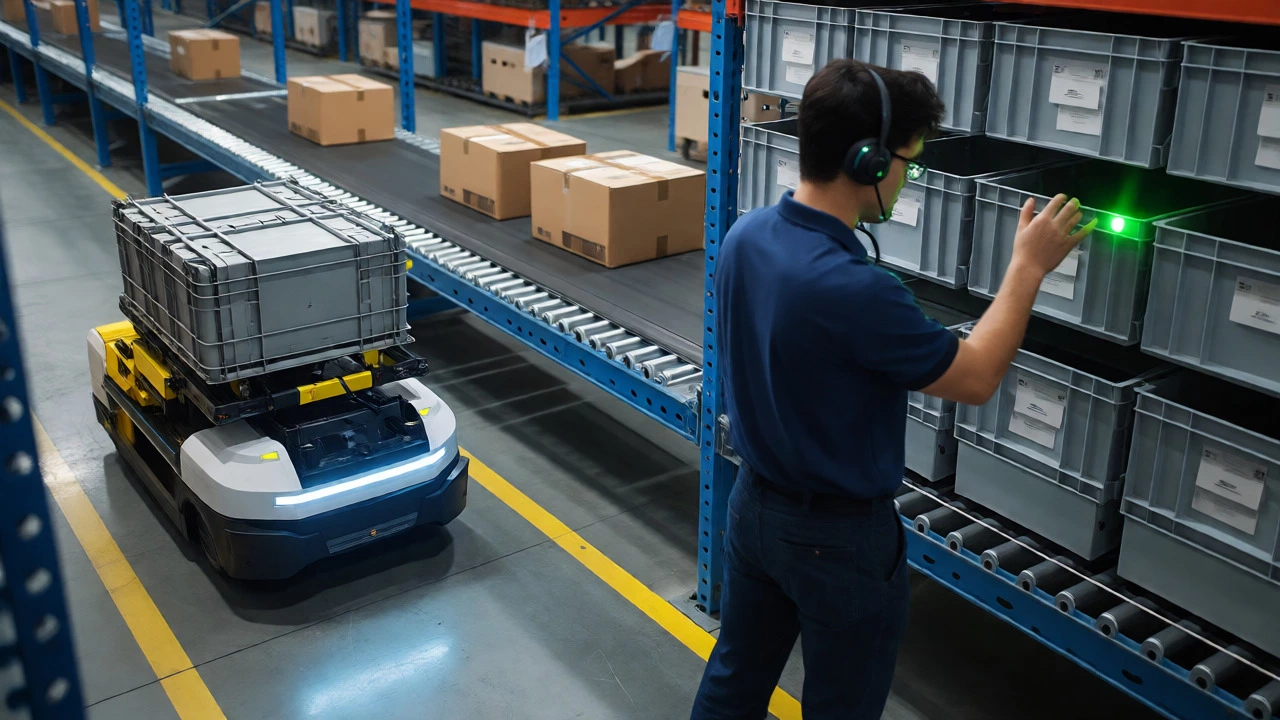
Voice Picking: Also known as voice-directed warehousing, this uses headsets connected to the WMS. The system speaks instructions to the worker: "Go to aisle 12, bin B4. Pick 5 units." The worker responds verbally, "Pick 5," and scans a check-digit barcode on the shelf to confirm location accuracy. This keeps both hands free and eyes on the product. Studies suggest voice picking can increase productivity by 10-15% compared to RF scanning because it reduces cognitive load and walking errors.
Light-Directed Picking: Often used in smaller cells or kitting areas, lights on shelving indicate exactly which bin to pick from. The software triggers the light, the worker presses a button to confirm, and the next light turns on. It’s incredibly fast for high-frequency, low-volume SKUs.
Integration: Connecting the Warehouse to the Business
A warehouse doesn’t exist in a vacuum. It receives orders from e-commerce platforms, sends shipping data to carriers, and reports financials to accounting. If your warehouse software doesn’t talk to these external systems, you end up with data silos.
For instance, if your WMS isn’t integrated with your E-commerce Platform (like Shopify or Magento), you risk overselling inventory. The website thinks you have 10 units left, but the warehouse actually has zero. The customer buys one, and you have to issue a refund and apologize.
Similarly, integration with Transportation Management Systems (TMS) ensures that once a box is packed, the correct carrier label is generated, and the tracking number is pushed back to the customer immediately. Modern cloud-based WMS solutions usually come with pre-built connectors for major platforms, reducing the need for expensive custom API development.
Choosing the Right Stack for Your Size
Not every warehouse needs a million-dollar implementation. Here is a practical heuristic for selecting software based on your operational scale:
- Small (Under 10,000 sq ft / <100 orders per day): Stick to a lightweight, cloud-based WMS or even advanced inventory modules within your e-commerce platform. Avoid complex customization. Focus on ease of use and quick setup.
- Mid-Sized (10,000-50,000 sq ft / 100-1,000 orders per day): You need a dedicated WMS. Look for features like batch picking, wave planning, and integration with your TMS. Consider adding RF scanning if you haven’t already.
- Large/Automated (50,000+ sq ft / 1,000+ orders per day): You likely need a combination of WMS, WCS, and potentially WES. Customization and scalability are key. Ensure the vendor supports your specific automation hardware (e.g., AutoStore, Dematic, Honeywell).
One pitfall to avoid: buying software before fixing processes. If your current manual process is messy, digitizing it will just give you faster messes. Map your workflows first, then select software that enforces those best practices.
Future Trends: AI and Predictive Analytics
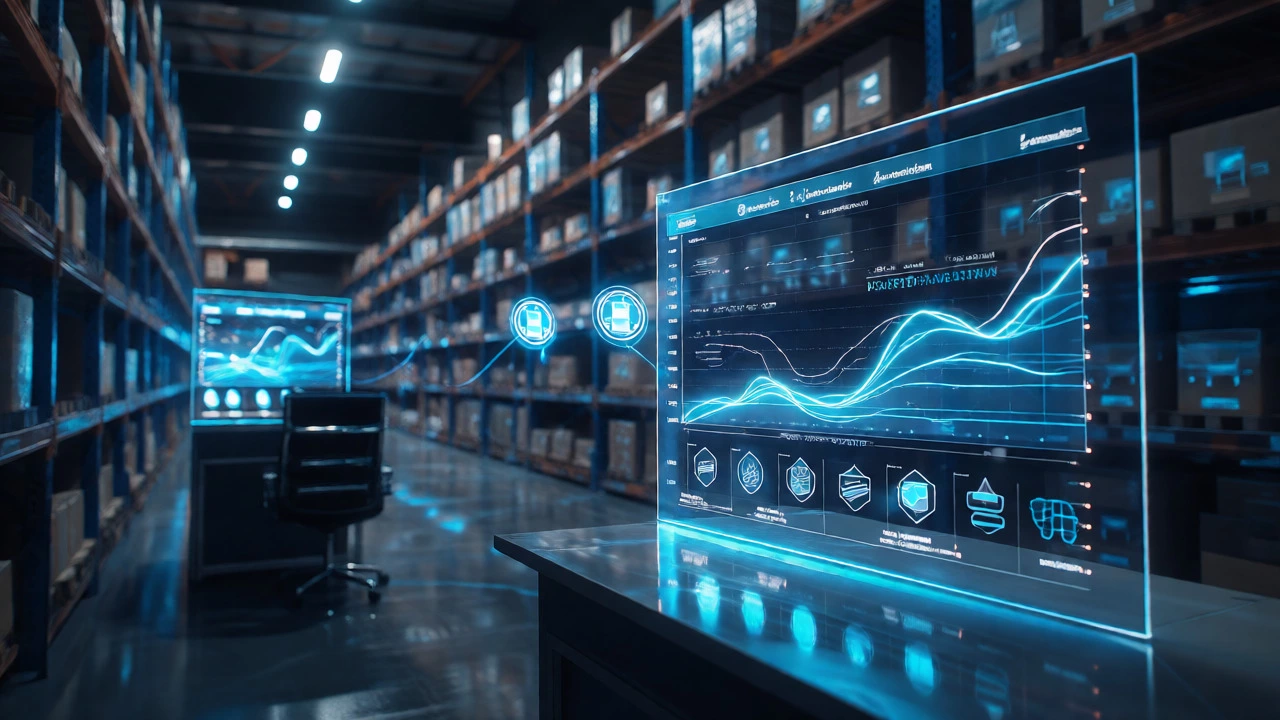
By 2026, static reporting is dead. Leading warehouses are using artificial intelligence within their software to predict demand spikes before they happen. If the WMS notices a trend of increased sales for winter coats in October, it can automatically suggest moving that inventory closer to the packing stations in September.
Predictive maintenance is another growing feature. By analyzing data from automated equipment, the software can alert managers that a conveyor motor is showing signs of failure before it actually breaks down. This prevents costly downtime during peak seasons like Black Friday.
Do small businesses really need a dedicated WMS?
It depends on your error tolerance. If you ship fewer than 50 orders a day, spreadsheet-based inventory might suffice. However, once you exceed 50-100 orders daily, manual tracking errors rise sharply. A simple cloud-based WMS pays for itself quickly by reducing mis-ships and saving time on cycle counts.
What is the difference between WMS and ERP?
An ERP (Enterprise Resource Planning) system manages the entire business-finance, HR, procurement, and sales. A WMS focuses specifically on the physical movement and storage of goods. While ERPs have inventory modules, they rarely offer the detailed task management, slotting optimization, and real-time labor tracking that a specialized WMS provides.
Can I use Excel instead of warehouse software?
You can, but it becomes risky as you grow. Excel lacks real-time multi-user editing capabilities and audit trails. If two employees update stock levels simultaneously, data corruption is common. Additionally, Excel cannot direct workers to locations or optimize pick paths, meaning you lose significant efficiency gains.
How long does it take to implement warehouse software?
Simple cloud-based WMS solutions can be live in 2-4 weeks. Complex enterprise implementations involving custom integrations and hardware controls (WCS/WES) can take 6-18 months. Always budget extra time for staff training and process adjustment.
Is voice picking better than barcode scanning?
Voice picking generally offers higher accuracy and speed for large-scale operations because it allows hands-free, eyes-up work. Barcode scanning is more versatile for receiving and returns where visual inspection is needed. Many modern warehouses use a hybrid approach: voice for picking, scanning for receiving and auditing.