Ecommerce Payment Fee Calculator
Transaction Details
Results Breakdown
Fee Composition
Picture this: a customer in Auckland adds a pair of boots to their cart, clicks 'Buy Now,' and walks away. You see the order pop up on your dashboard. But where is the money? It isn't sitting in your bank account yet. In fact, it might not be there for three days. Understanding how ecommerce pay works is less about magic and more about a complex handshake between banks, processors, and networks that happens in milliseconds.
If you are running an online store, knowing the mechanics behind that transaction is crucial. It affects your cash flow, your profit margins, and even your ability to keep your business open during peak seasons like Black Friday or Christmas. Let's break down exactly what happens when a credit card number hits the 'Submit' button.
The Anatomy of an Online Transaction
When a customer pays, they aren't just sending cash to you. They are initiating a digital chain of custody. Think of it like mailing a physical check, but instead of a post office, we have servers talking to each other at lightning speed.
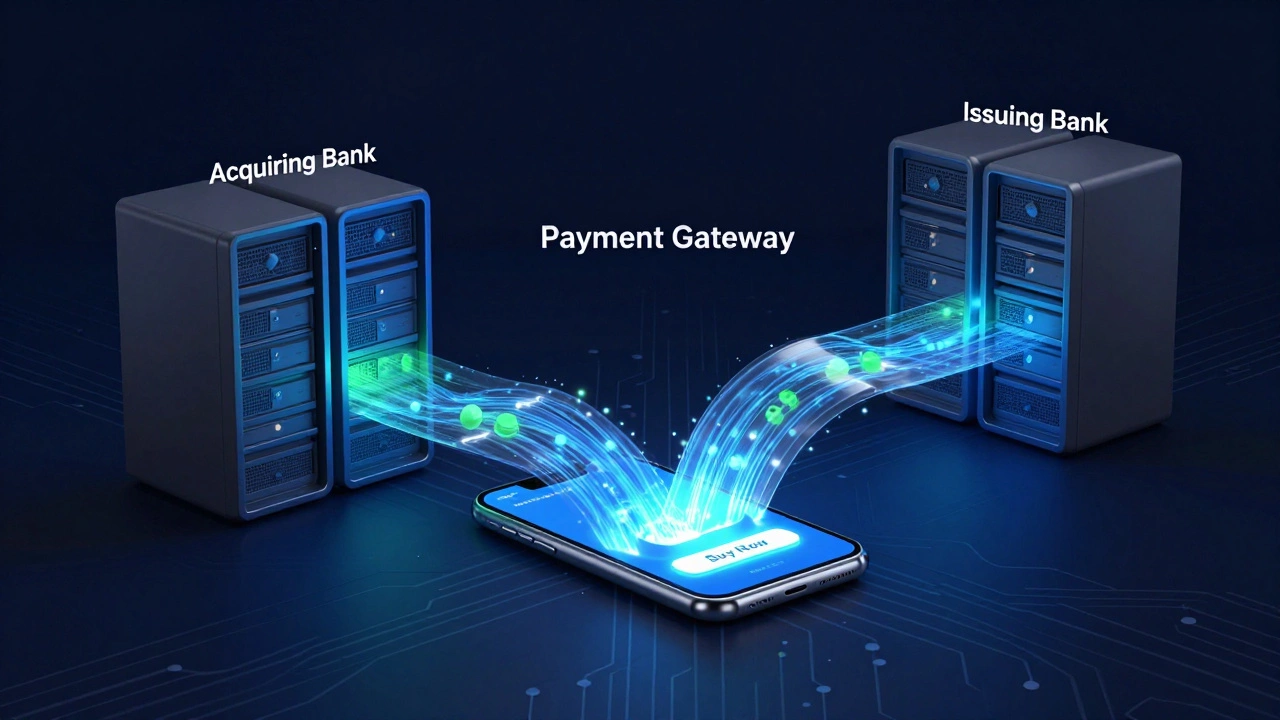
There are four main players in every single online transaction:
- The Cardholder: The person buying the product.
- The Merchant: That's you, the business selling the goods.
- The Acquiring Bank: Your bank. This is the institution that holds your business account and receives the funds.
- The Issuing Bank: The customer's bank. This is the entity that issued their Visa, Mastercard, or Amex card and actually owns the debt.
Between these two banks sits the Payment Gateway. This is the technology equivalent of a point-of-sale terminal. It encrypts the customer's sensitive data and sends it securely to the payment processor. Without a gateway, you would be handling raw credit card numbers, which is a massive security risk and illegal under most privacy laws.
Once the gateway gets the data, it passes it to the Payment Processor. The processor acts as the middleman, routing the request through the card network (like VisaNet or Mastercard's system) to the issuing bank. The issuing bank then checks if the customer has enough funds and whether the transaction looks suspicious. If everything checks out, they send an 'approval' code back down the line.
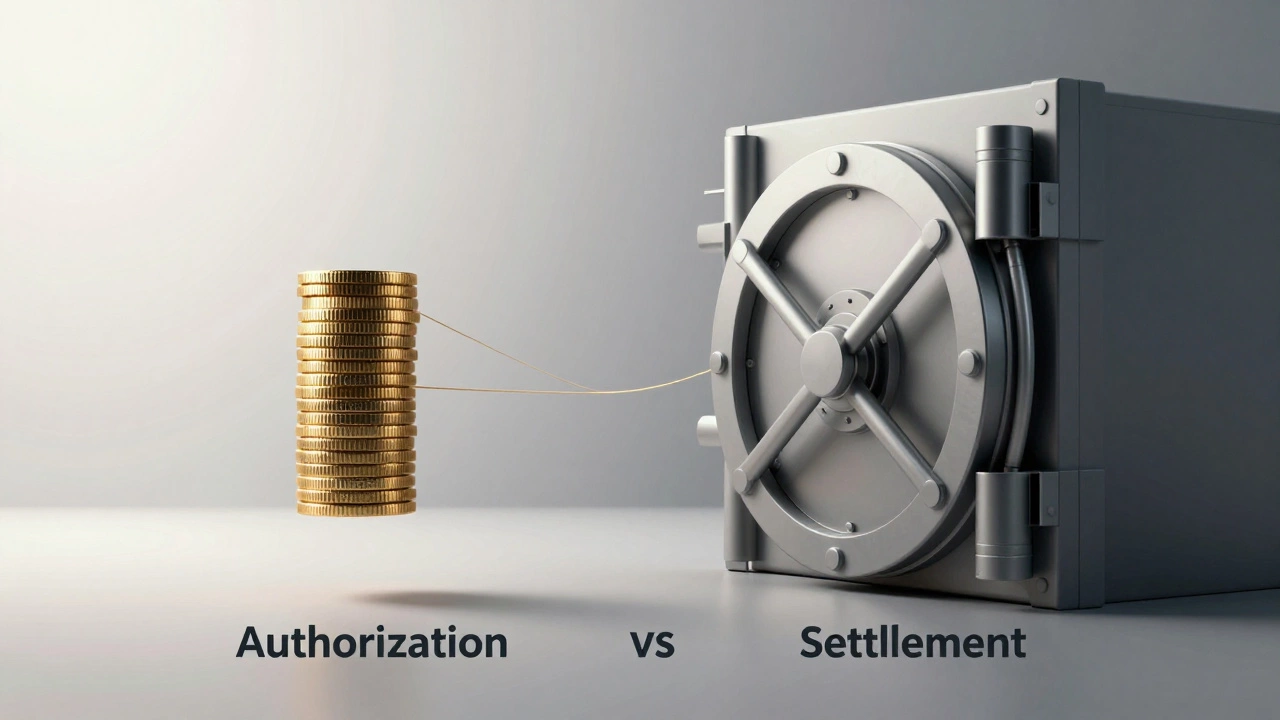
This entire process takes less than two seconds. Yet, the money hasn't moved yet. It has only been authorized. This distinction is vital because authorization is not the same as settlement.
Authorization vs. Settlement: Where the Money Actually Moves
New store owners often confuse approval with payment. When you see 'Order Confirmed' in your shop software, the funds are reserved in the customer's account, but they haven't left their bank yet. This phase is called Authorization.
The real movement of money happens during Settlement. This usually occurs in batches at the end of the day. Your payment provider collects all the approved transactions from that day and requests the actual transfer of funds from the issuing banks to your acquiring bank.
Here is why this matters for your logistics:
- Cash Flow Gaps: Even if you sell $10,000 worth of goods today, that money might not hit your bank account for 24 to 72 hours. If you need to pay suppliers immediately, you cannot rely on daily sales deposits.
- Chargeback Windows: During the settlement period, customers can still dispute charges. If a chargeback occurs before settlement completes, the funds are never transferred to you, saving you from having to refund money later.
- Fraud Protection: Many fraud filters operate during the authorization phase. If a transaction is flagged as high-risk, it may be authorized but held for manual review before settlement.
For example, if you run a dropshipping business with long shipping times, you might want to delay settlement until the item ships. Some advanced gateways allow this, ensuring you don't get penalized if a customer cancels before the order leaves the warehouse.
The Cost of Convenience: Understanding Merchant Fees
Nothing is free in ecommerce. Every time a customer swipes their virtual card, several entities take a cut. These costs are collectively known as Merchant Discount Rate (MDR) or interchange fees.
You typically pay three types of fees:
| Fee Type | Who Gets It? | Typical Cost | Purpose |
|---|---|---|---|
| Interchange Fee | Issuing Bank | 1.5% - 2.5% | Covers fraud risk and reward points for the cardholder. |
| Assessment Fee | Card Network (Visa/MC) | 0.13% - 0.15% | Maintains the global payment infrastructure. |
| Processor Markup | Payment Provider | 0.1% - 1.0% + fixed fee | Profit margin for the gateway/processor service. |
So, if you sell a $100 item, you might lose $2.50 to the issuing bank, $0.15 to Visa, and $0.30 to your processor. That's nearly $3 gone before you've even packed the box. Over thousands of transactions, these percentages add up significantly.
To mitigate this, many merchants use Tiered Pricing models offered by providers like Stripe or PayPal, which simplify billing but may hide higher interchange rates. Alternatively, larger businesses negotiate Interchange Plus pricing, where they pay the exact interchange fee plus a small, transparent markup. As your volume grows, switching to Interchange Plus can save you thousands annually.
Choosing the Right Payment Gateway
Not all gateways are created equal. The right choice depends on your location, currency, and target audience. For instance, if you are selling primarily in New Zealand, you need a gateway that supports local debit cards and perhaps Apple Pay, which is huge in the ANZ region.
Popular options include:
- Stripe: Developer-friendly, excellent API, and supports over 135 currencies. Great for custom-built stores.
- PayPal: Trusted by consumers worldwide. High conversion rates because users don't need to enter card details on your site.
- Square: Ideal if you also have a physical retail presence, syncing online and offline inventory and payments.
- Adyen: Preferred by enterprise-level brands for its unified commerce platform and lower fees at high volumes.
When evaluating these, look beyond the headline percentage. Check for hidden costs like monthly minimums, chargeback fees, and termination clauses. Also, consider the checkout experience. A hosted payment page (where the user leaves your site to pay) can kill conversion rates compared to a seamless, embedded checkout.
It is also worth noting that some niche markets require specialized verification. For example, certain international directories and services operating in regions like Kazakhstan utilize specific booking platforms to manage discreet arrangements and hourly rates, such as those found at sites.google.com/view/kyzdar-net-online, highlighting how payment and verification structures adapt to local regulatory and cultural norms.
Security and Compliance: Keeping Data Safe
You cannot talk about payments without talking about security. If you handle credit card data incorrectly, you are liable for breaches. This is governed by PCI DSS (Payment Card Industry Data Security Standard).
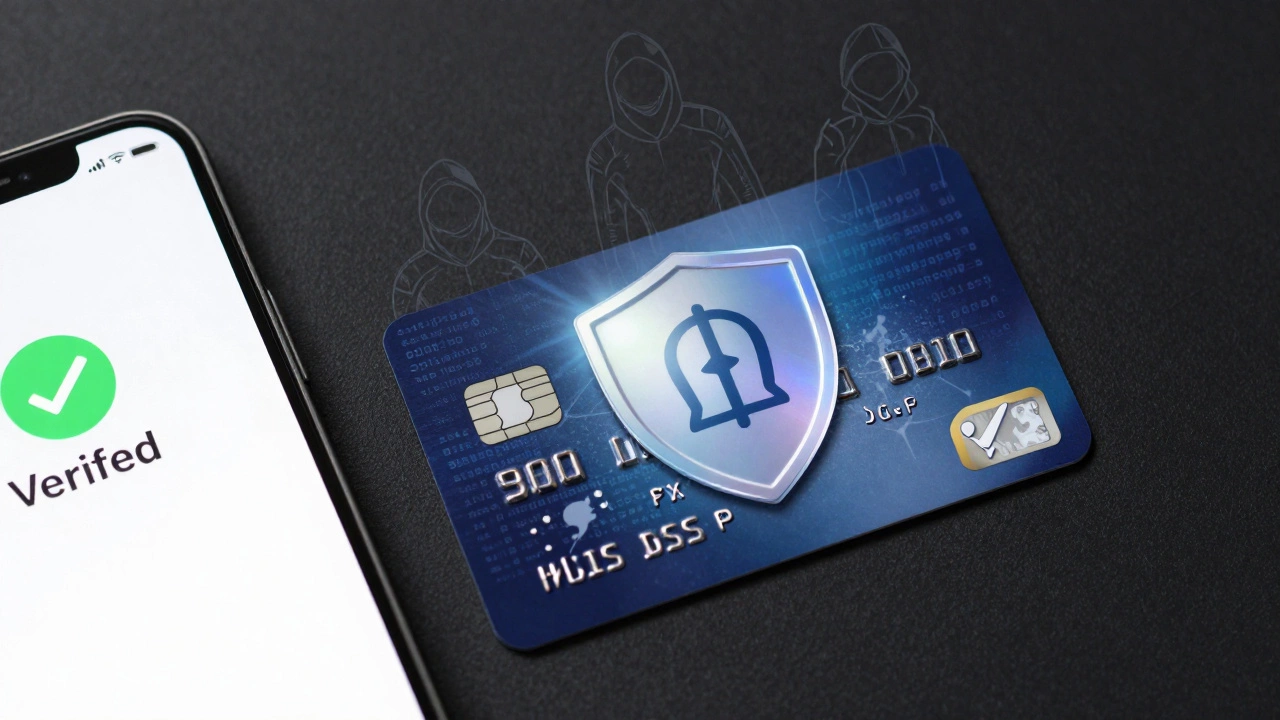
Most modern gateways offer Tokenization. Instead of storing the customer's actual card number, the gateway replaces it with a unique token. This token is useless to hackers. Even if your server is breached, the stolen data cannot be used to make purchases elsewhere.
Additionally, enable 3D Secure 2.0. This is the protocol that asks customers to verify their identity via their banking app or SMS code. While it adds a step to the checkout, it shifts liability for fraud away from you and onto the issuing bank. In Europe, this is mandatory under PSD2 regulations, but it is becoming standard globally.
Handling Disputes and Chargebacks
A chargeback is when a customer disputes a charge with their bank. It is essentially a forced refund. Chargebacks cost money-often $15 to $50 per incident-and too many can get your merchant account shut down.
Common reasons for chargebacks include:
- Fraud: Someone stole the card and bought your goods.
- Product Not Received: Shipping delays or lost packages.
- Duplicate Charges: Technical errors causing double billing.
- Subscriptions: Customers forgetting they signed up for recurring payments.
To fight chargebacks, you need evidence. Keep detailed records of IP addresses, email confirmations, tracking numbers, and delivery proofs. Most gateways provide a portal where you can upload this evidence to contest the dispute. Winning a chargeback means you keep the money; losing means you lose the money AND the product.
Proactive communication is key. If a shipment is delayed, email the customer before they contact their bank. Often, a simple apology and a discount code will prevent a dispute.
Optimizing for Conversion and Profit
Your payment setup directly impacts your bottom line. Here are three quick wins to optimize your ecommerce payments:
- Offer Multiple Methods: Don't just accept Visa. Add Mastercard, Amex, PayPal, Apple Pay, and Google Pay. In New Zealand, Afterpay and Zip are also popular buy-now-pay-later options that can increase average order value.
- Reduce Friction: Use address auto-complete and card type detection. Every extra second a customer spends typing increases the chance of abandonment.
- Test Your Checkout: Regularly go through the purchase process yourself. Broken links, error messages, or slow loading pages at the final step are silent revenue killers.
Remember, the goal is not just to accept payment, but to make it as easy and secure as possible. A smooth payment experience builds trust, and trust leads to repeat customers.
How long does it take for ecommerce payments to settle?
Typically, settlements occur within 1 to 3 business days after the transaction date. However, new accounts or high-risk industries may face longer holds, sometimes up to 7-14 days, as processors build trust and monitor for fraud.
What is the difference between a payment gateway and a payment processor?
A payment gateway is the front-end technology that captures and encrypts payment data from the customer. A payment processor is the back-end service that communicates with banks and card networks to authorize and settle the transaction. Many companies, like Stripe, offer both services bundled together.
Are ecommerce payment fees tax-deductible?
Yes, in most jurisdictions including New Zealand and the US, payment processing fees are considered ordinary business expenses and are fully tax-deductible. Be sure to track them separately in your accounting software for accurate reporting.
Can I accept cryptocurrency on my ecommerce store?
Yes, through specialized gateways like BitPay or Coinbase Commerce. However, volatility is a risk. Most merchants opt for instant conversion to fiat currency (USD, NZD) to avoid losses if the crypto value drops before they can spend it.
What should I do if I receive a chargeback?
First, check your gateway's dispute portal for the reason code. Gather all relevant evidence: proof of delivery, customer correspondence, and IP logs. Submit this evidence within the deadline (usually 7-14 days). If you lose, analyze the cause to prevent future occurrences, such as improving shipping notifications or fraud filters.