WMS ROI Calculator
Estimate potential savings by entering your current warehouse metrics
Ever wonder how a warehouse with thousands of items knows exactly where to find your order in under a minute? It’s not magic. It’s a WMS - Warehouse Management System. If you’ve ever received a package faster than expected, chances are a WMS made it happen.
What exactly is a WMS?
A Warehouse Management System (WMS) is software designed to control and optimize daily warehouse operations. Think of it as the brain behind the scenes: it tracks where every box, pallet, or single item is stored, tells workers where to go, and makes sure nothing gets lost or shipped by mistake.
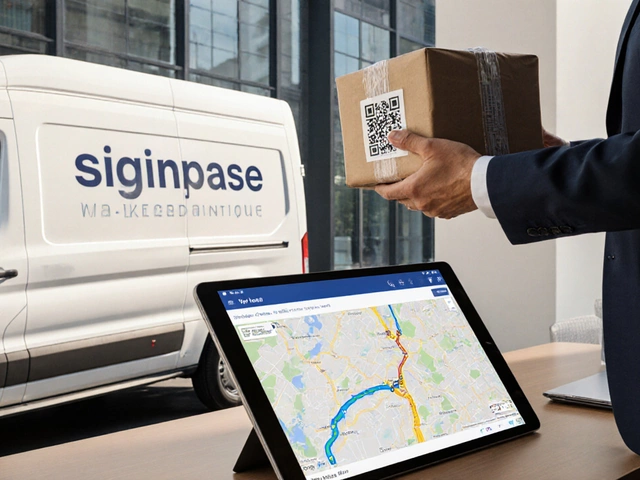
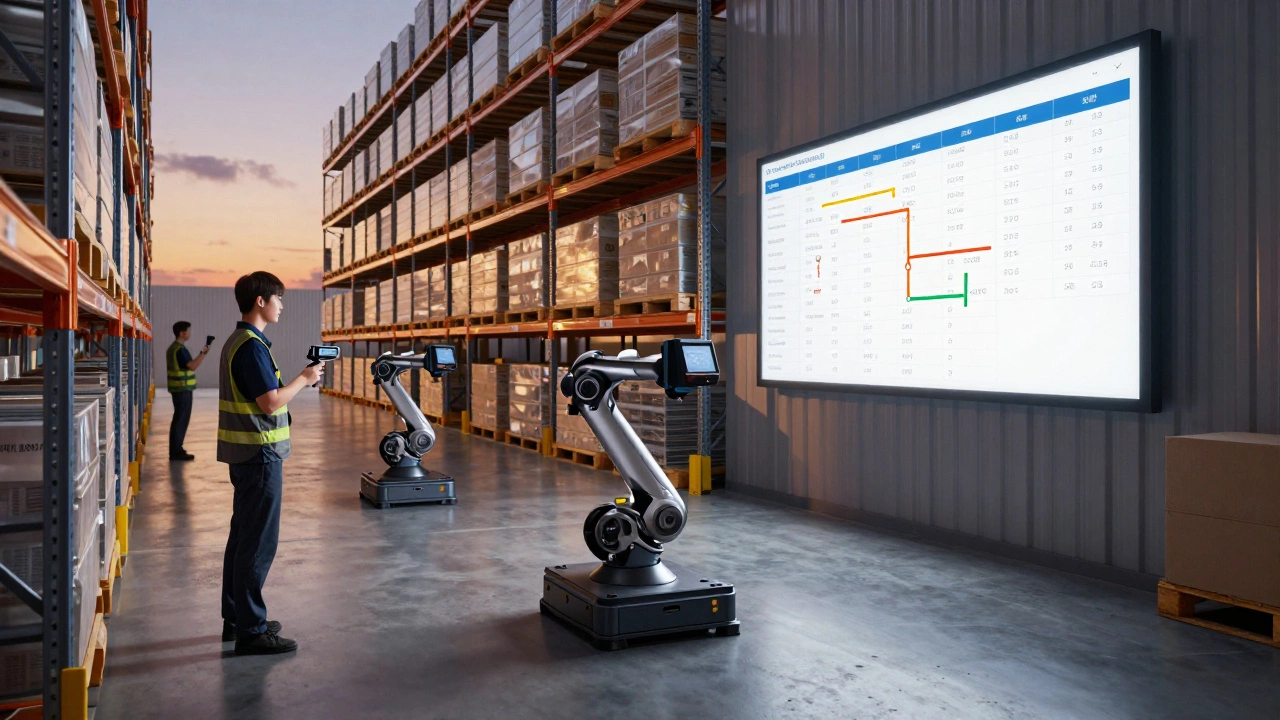
It’s not just a digital spreadsheet. A real WMS connects with barcode scanners, mobile devices, conveyor belts, and even robotic pickers. It doesn’t just record data - it uses that data to make smarter decisions in real time. For example, if a product is running low, it can automatically trigger a reorder. If two orders need the same item, it can suggest the best picking route to save time.
WMS isn’t new - the first systems appeared in the 1980s - but today’s versions are powered by cloud computing, AI, and real-time analytics. Modern WMS platforms can handle everything from small e-commerce fulfillment centers to massive distribution hubs serving global retailers.
How does a WMS work in practice?
Here’s how a typical day looks with a WMS in action:
- A customer orders a pair of running shoes online.
- The WMS receives the order and instantly checks inventory across all locations.
- It finds the shoes in the nearest warehouse and assigns the order to a picker.
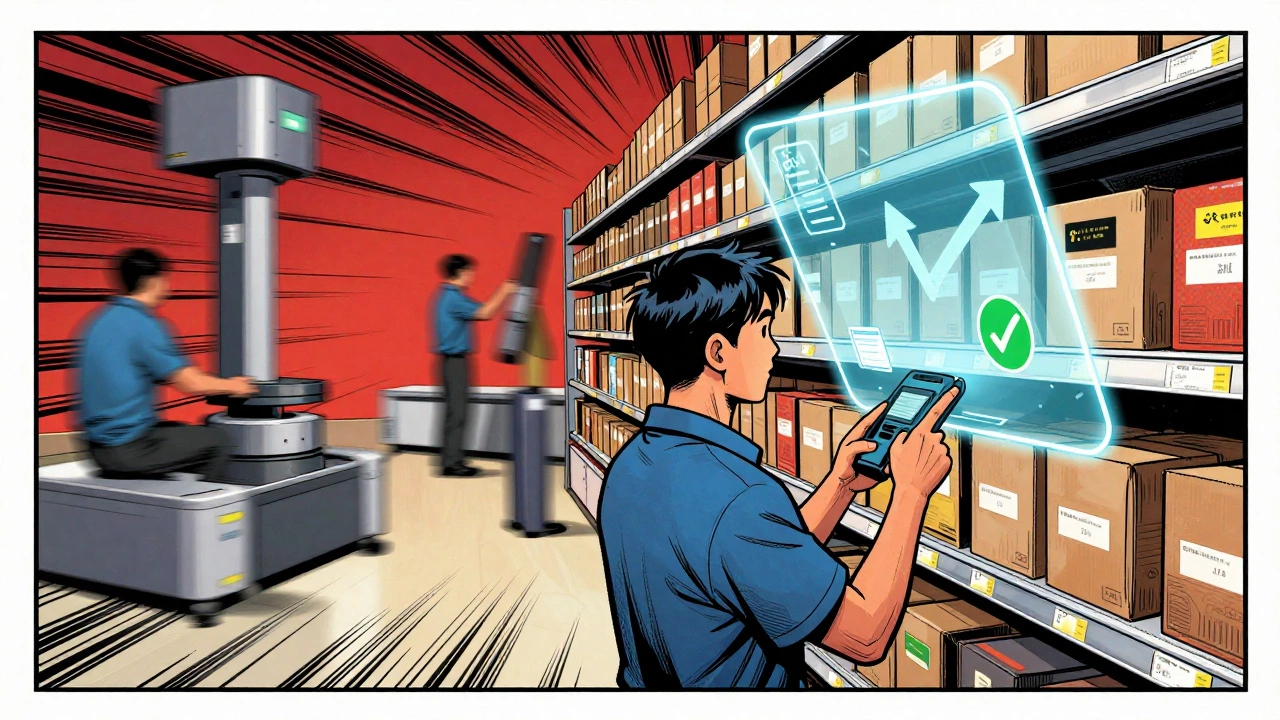
- A worker gets a notification on a handheld scanner: "Go to Aisle 7, Shelf 3, Bin 12. Pick 1 pair of Nike Air Zoom Pegasus 40, size 9."
- The worker scans the barcode. The system confirms the right item was picked.
- The item moves to packing, then to shipping, where the WMS prints the correct label and updates the customer’s tracking status.
Every step is recorded. If a picker picks the wrong item, the system flags it before it ships. If a shelf is empty, it alerts the restocking team. If a shipment is delayed, it recalculates delivery windows and notifies the customer.
Without a WMS, this would mean paper lists, guesswork, and a lot of people walking the same aisles over and over. With it, accuracy jumps from 80% to 99.5% or higher - and labor costs drop by up to 30% in many cases.
Key features you’ll find in any good WMS
Not all WMS platforms are the same, but the best ones share these core features:
- Real-time inventory tracking - Know exactly how many of each item you have, where it is, and when it was last moved.
- Directed picking and putaway - The system tells workers the fastest, most efficient way to pick items or restock shelves, cutting travel time.
- Barcode and RFID scanning - No more manual typing. Scanning ensures accuracy and speeds up every task.
- Wave picking and batch processing - Group multiple orders together to pick them in one trip. Saves hours per shift.
- Integration with ERP and TMS - Works with your accounting system (ERP) and transportation system (TMS) so data flows smoothly across departments.
- Reporting and analytics - See which items move fastest, which workers are most efficient, and where bottlenecks happen.
- Multi-location support - Manage warehouses in Auckland, Sydney, and Los Angeles from one dashboard.
Some advanced systems even use AI to predict demand spikes - like when a new phone launches - and automatically adjust staffing and storage layouts ahead of time.

Who uses WMS systems?
WMS isn’t just for big companies. Here’s who benefits most:
- E-commerce retailers - Handle hundreds of orders a day with zero errors. Amazon, Zappos, and smaller Shopify stores all use WMS.
- Wholesalers and distributors - Manage bulk inventory across multiple SKUs and customers.
- Manufacturers - Track raw materials, work-in-progress, and finished goods all in one place.
- Third-party logistics providers (3PLs) - Run warehouses for other brands. A WMS lets them serve dozens of clients without mixing up orders.
- Pharmaceutical and food distributors - Need to track expiry dates, batch numbers, and temperature conditions? WMS handles compliance.
Even small businesses with one warehouse and 10 employees can see huge gains. One Auckland-based sporting goods store switched from paper to a cloud-based WMS and cut their order processing time from 4 hours to 45 minutes. Their return rate dropped by 60%.
WMS vs. ERP: What’s the difference?
This is a common mix-up. ERP (Enterprise Resource Planning) software handles finance, HR, procurement, and sales. WMS focuses only on warehouse operations.
Think of ERP as the company’s overall nervous system. WMS is the hand that grabs the right box off the shelf.
Many ERP systems include basic inventory modules - but they’re not built for the speed and precision of warehouse workflows. A WMS is specialized. It knows how to optimize picking paths, handle putaway rules, and integrate with material handling equipment. ERP can’t do that well.
Most companies use both: ERP handles the "what" (orders, invoices, costs) and WMS handles the "how" (where to pick, when to restock, who to assign).
What happens if you don’t use a WMS?
Running a warehouse without one is like driving a car blindfolded. You might get somewhere - but you’ll hit a lot of bumps.
Common problems without a WMS:
- Lost inventory - items that show up in your system but can’t be found on the floor.
- Overstocking or stockouts - ordering too much of something that doesn’t sell, or running out of what customers actually want.
- Slow order fulfillment - customers wait days because picking takes hours.
- Shipping errors - sending the wrong item, wrong quantity, wrong address.
- High labor costs - workers spend 40% of their time walking instead of working.
- Compliance failures - especially in food, pharma, or electronics where traceability is required by law.
A 2024 study by the Warehousing Education and Research Council found that companies without a WMS lost an average of $1.2 million per year in inefficiencies, returns, and lost sales.
Choosing the right WMS for your business
Not every WMS is built the same. Here’s what to look for:
- Cloud-based or on-premise? Cloud is cheaper, easier to update, and works from anywhere. On-premise gives more control but costs more upfront.
- Scalability - Will it handle 10,000 SKUs today and 100,000 next year?
- Integration - Does it connect with your e-commerce platform, shipping carriers, and accounting software?
- Mobile access - Can workers use tablets or phones to scan and update inventory?
- Support and training - Look for vendors who offer real onboarding, not just a PDF manual.
Popular options include SAP EWM, Oracle WMS, Manhattan Associates, and smaller cloud-based tools like Fishbowl, NetSuite, or Cin7. For small to mid-sized businesses, tools like Sortly or Zoho Inventory offer solid WMS features without the complexity.
What’s next for WMS technology?
WMS is evolving fast. The next wave includes:
- AI-powered forecasting - Predicting demand spikes based on weather, social trends, or local events.
- Autonomous mobile robots (AMRs) - Robots that follow WMS instructions to pick and transport goods.
- Augmented reality (AR) glasses - Workers see digital directions overlaid on real shelves.
- Blockchain for traceability - Secure, tamper-proof records for high-value or regulated goods.
Companies in New Zealand and Australia are already testing AR-guided picking in cold storage warehouses. The goal? Zero errors, zero wasted steps, and faster delivery times.
Final thoughts
A WMS isn’t a luxury - it’s a necessity for any business that moves physical goods. Whether you’re shipping a single box or a truckload, the right system turns chaos into control. It’s not about replacing people - it’s about giving them the right tools to do their jobs better, faster, and with fewer mistakes.
If you’re still using clipboards, spreadsheets, or gut feelings to manage your warehouse, you’re leaving money on the table. The cost of a WMS is far less than the cost of getting it wrong.
Is WMS the same as inventory management software?
No. Inventory management software tracks how much stock you have and when to reorder. A WMS does that too - but it also controls where items are stored, how they’re picked, how workers move through the warehouse, and how orders are packed and shipped. Think of inventory software as a count, and WMS as the entire operation.
Can a small business afford a WMS?
Yes. Many cloud-based WMS platforms start at under $100 per month. Some even offer free tiers for very small operations. The real question isn’t cost - it’s ROI. A typical small warehouse saves 20-30 hours per week after switching to a WMS. That’s the equivalent of hiring another worker without the salary.
Does WMS work with Shopify or Amazon?
Absolutely. Most modern WMS platforms integrate directly with Shopify, Amazon, eBay, and Etsy. Orders from these platforms flow automatically into the WMS, so you don’t have to manually enter them. Stock levels update in real time across all sales channels to prevent overselling.
How long does it take to implement a WMS?
It depends. Simple cloud systems can be up and running in 2-4 weeks. Complex installations with custom workflows or robotics can take 3-6 months. The key is starting small - get one warehouse or one process automated first, then expand.
Do I need barcode scanners or RFID to use a WMS?
You don’t *need* them, but you’ll miss out on most of the benefits. Manual data entry is slow and error-prone. Barcode scanners are affordable - you can buy one for under $100. RFID tags cost more but are worth it for high-value or fast-moving items. Most WMS vendors bundle scanner support into their plans.
Can a WMS help with returns processing?
Yes. A good WMS has a dedicated returns workflow. When a customer sends something back, the system logs the reason, inspects the item’s condition, decides whether to restock, repair, or discard it, and updates inventory automatically. This cuts returns processing time by up to 70%.