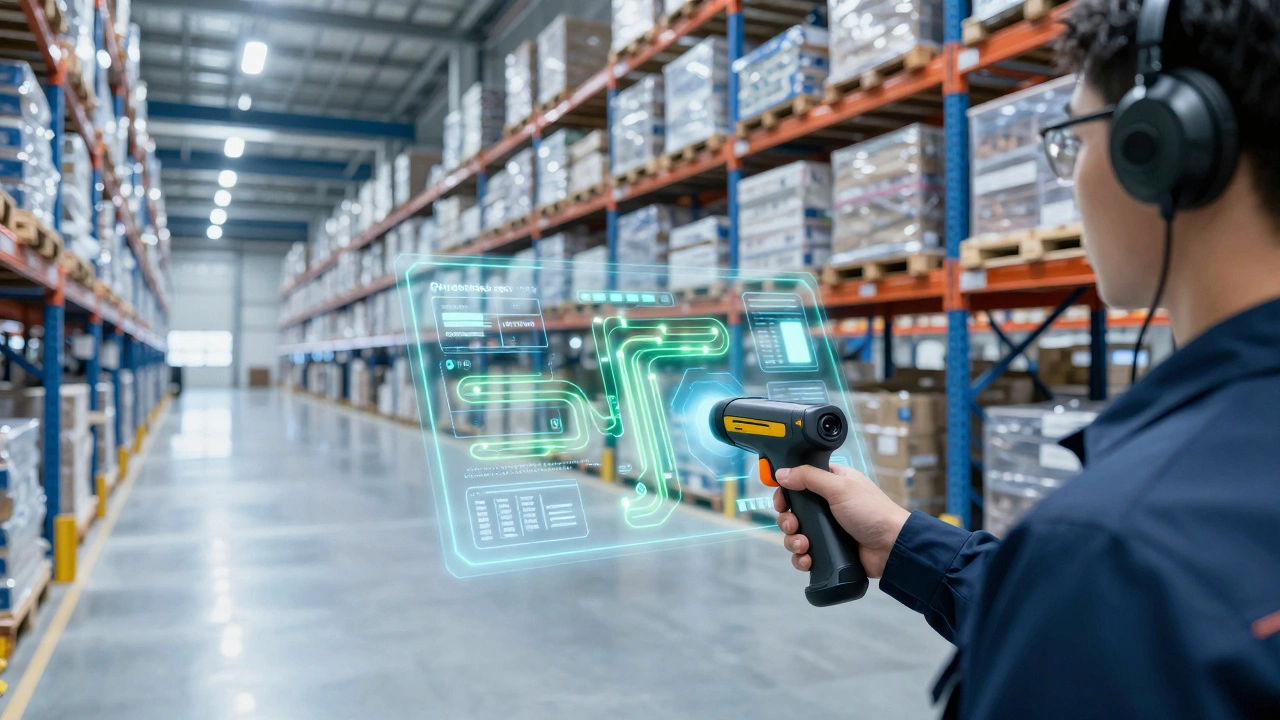
Warehouse Software Selector Tool
Click on the features you need your system to handle:
Select features on the left and click "Analyze" to see which software fits your operation.
Ever walked into a massive distribution center and wondered how they keep track of millions of SKUs without losing their minds? It’s not magic. It’s code. But if you’ve ever searched for “what is warehouse software called,” you probably hit a wall of confusing acronyms. Is it an ERP? A TMS? Or just plain old inventory software?
The short answer: the core brain of modern warehousing is called a Warehouse Management System, or WMS. However, that label only covers part of the picture. Depending on what problem you’re trying to solve-storing goods, moving trucks, or picking orders-you might be looking for something entirely different.
In this guide, we’ll cut through the jargon. We’ll break down exactly what these systems are called, what they do, and which one actually fits your operation. Whether you run a small e-commerce shop out of a garage or manage a multi-million square-foot fulfillment hub, getting the name right means getting the tool right.
The Gold Standard: What is a WMS?
When industry pros talk about "warehouse software," they are almost always referring to a Warehouse Management System (WMS). This is the specialized application designed specifically to control and administer warehouse operations from the moment goods arrive until they leave.
A WMS isn’t just a digital spreadsheet. It acts as the central command tower for your facility. It tells forklift drivers where to put a pallet, guides pickers through the most efficient route to grab items for shipping, and updates stock levels in real-time. Without it, you’re guessing. With it, you have data.
Key functions of a standard WMS include:
- Receiving: Verifying inbound shipments against purchase orders.
- Put-away: Determining the optimal storage location based on size, weight, and velocity.
- Picking: Generating pick lists or directing voice-pick devices.
- Packing: Calculating box sizes and generating packing slips.
- Shipping: Integrating with carriers to create labels and tracking numbers.
If your primary headache is chaos inside the four walls of your building-misplaced inventory, slow picking times, or cycle count errors-a WMS is the specific tool built to fix those issues.
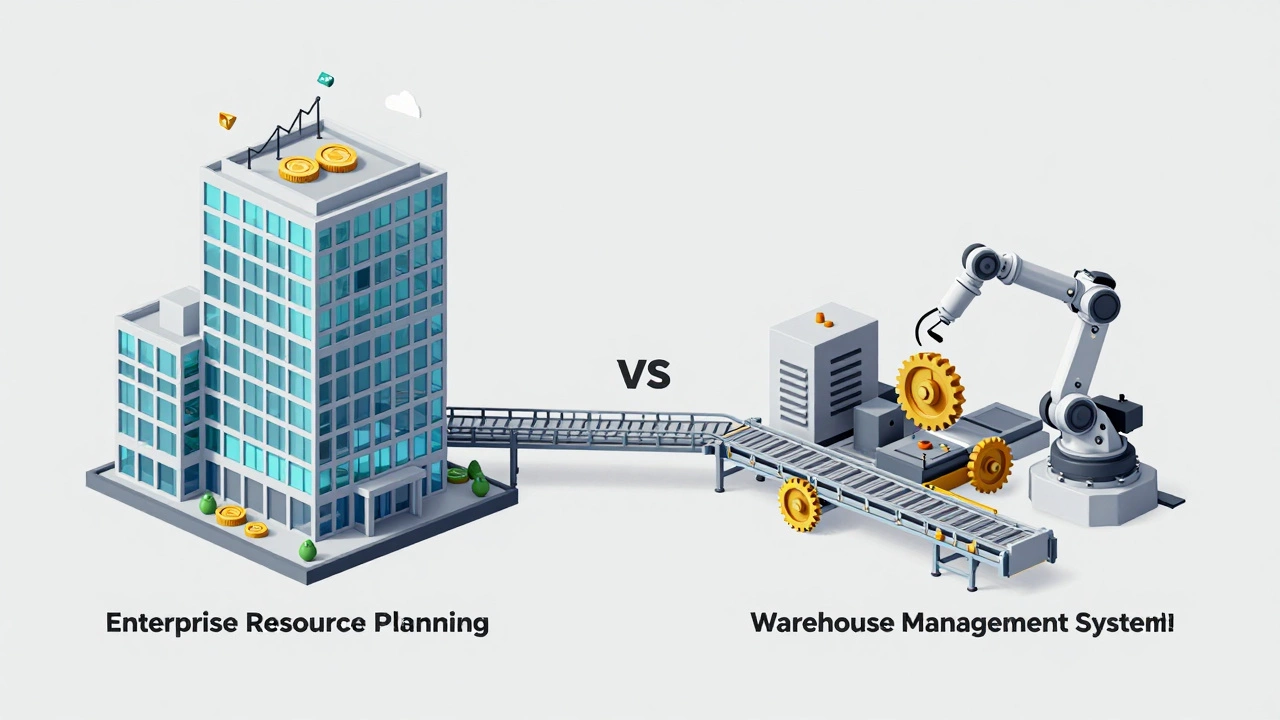
The Bigger Picture: ERP vs. WMS
This is where most people get tripped up. You might hear someone say, "Our ERP handles our warehouse." Technically, that’s true, but it’s like saying your smartphone replaces your camera. Your phone *can* take photos, but it won’t give you the same results as a dedicated DSLR.
An Enterprise Resource Planning (ERP) system is the financial and operational backbone of your entire company. It manages accounting, human resources, procurement, sales, and yes, basic inventory. Most ERPs come with a module that looks like a lightweight WMS.
Here is the critical difference: An ERP tracks what you have and how much it costs. A WMS tracks where it is physically located down to the bin level and how to move it efficiently. If you are storing goods on simple shelves and don’t need complex slotting strategies, your ERP might suffice. But once you introduce high-density racking, cross-docking, or multiple shifts, the ERP usually chokes under the granular detail required.
| Feature | ERP System | Dedicated WMS |
|---|---|---|
| Primary Focus | Financials & Company-wide Ops | Floor-level Execution |
| Inventory Granularity | SKU Level (Total Count) | Bin/Location Level (Exact Spot) |
| Labor Management | Basic Payroll | Task Interleaving & Performance Tracking |
| Hardware Integration | Limited (Barcodes) | Extensive (RFIDs, Voice, Robots) |
| Best For | Small warehouses, low SKU counts | High-volume, complex fulfillment |
Other Names You Might Encounter
Because the logistics industry is fragmented, vendors often slap different names on similar tools to make them sound unique. Here are the other common terms you will see when searching for warehouse software, and what they actually mean.
Inventory Management Software (IMS)
Don’t confuse this with a full WMS. Inventory Management Software focuses strictly on stock levels. It answers questions like "Do I need to reorder this item?" or "How much capital is tied up in dead stock?" It rarely touches the physical movement of goods. If you sell products directly to consumers and hold stock in a closet, IMS is likely all you need. If you have workers moving boxes all day, you need more than just counting; you need coordination.
Transportation Management System (TMS)
A Transportation Management System handles what happens after the goods leave the dock. It optimizes carrier selection, calculates freight rates, and plans delivery routes. While a WMS prepares the package for shipment, the TMS ensures it gets there cheaply and quickly. Many large enterprises integrate both so that when the WMS prints a label, the TMS automatically books the truck.
Order Management System (OMS)
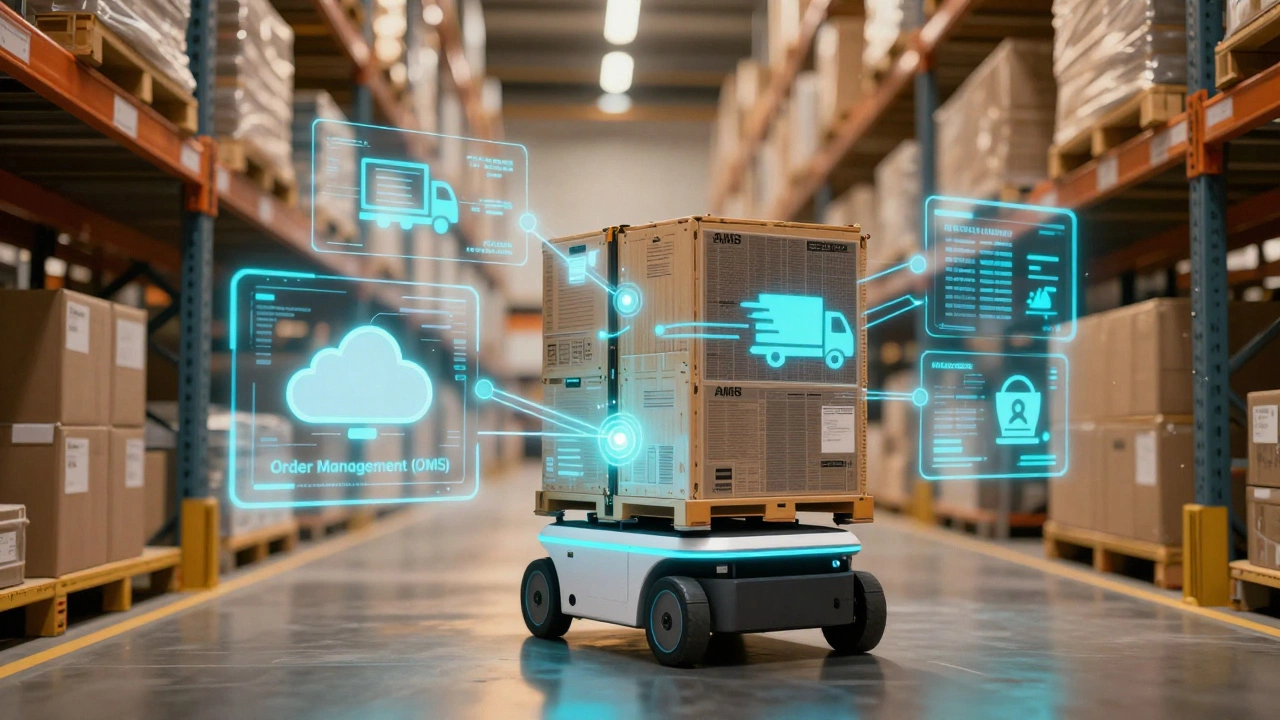
The Order Management System sits between your customer and your warehouse. When a buyer clicks "purchase" on your website, the OMS receives that order. It then decides which warehouse should fulfill it based on proximity and stock availability. The OMS sends the instruction to the WMS, which executes the pick and pack. Think of the OMS as the traffic cop and the WMS as the engine.
Warehouse Control System (WCS)
This is the heavy lifter. A Warehouse Control System bridges the gap between the WMS and the actual machinery. If you use automated conveyor belts, robotic arms, or AS/RS (Automated Storage and Retrieval Systems), the WMS talks to the WCS, and the WCS talks to the robots. You typically only need a WCS if your warehouse is highly automated.
Cloud vs. On-Premise: The Naming Shift
A few years ago, "warehouse software" meant buying a server rack and installing discs in your IT room. That was called on-premise software. Today, the conversation has shifted dramatically toward the cloud.
You will now frequently see terms like SaaS WMS (Software as a Service) or Cloud WMS. These platforms host the software on remote servers (like AWS or Azure). You access it via a web browser or mobile app. This shift matters because it changes the cost structure. Instead of paying $50,000 upfront for licenses, you pay a monthly subscription fee per user or per transaction. For most businesses starting out in 2026, cloud-based solutions offer faster deployment and easier updates without needing a dedicated IT team to patch security holes.
How to Choose the Right Name (and Tool)
So, what should you call the software you need? Start by diagnosing your pain point.
- Are you losing track of stock? If you know you have 10 units in the system but can’t find them on the shelf, you need a WMS with bin-level tracking.
- Are you spending too much on freight? If your warehouse runs fine but your shipping bills are skyrocketing, look into a TMS.
- Is your accounting messy? If you can’t reconcile your inventory value with your bank balance, you might need a stronger ERP integration.
- Do you sell across multiple channels? If you sell on Amazon, Shopify, and eBay simultaneously, an OMS is crucial to prevent overselling.
Most mid-sized companies eventually end up with a stack that includes an ERP for finance, an OMS for sales, and a WMS for fulfillment. They don’t need one giant "do-it-all" program; they need specialized tools that talk to each other via APIs.
The Future: AI and Automation in Naming
As we move deeper into 2026, the lines are blurring again. Newer platforms are branding themselves as "Intelligent Fulfillment Platforms" or "AI-Driven Logistics Suites." These aren’t just new names; they reflect capabilities. Modern WMS tools now use machine learning to predict demand, suggesting you move fast-moving SKUs closer to the packing station before you even realize they’re selling well. They also integrate seamlessly with autonomous mobile robots (AMRs) that bring shelves to the picker, eliminating walking time entirely.
Regardless of the fancy marketing titles, the core function remains the same: visibility and control. If the software doesn’t give you real-time insight into every inch of your floor space and every movement of your labor force, it’s just expensive documentation.
Is warehouse management software the same as inventory software?
No, they are different. Inventory software tracks the quantity and value of your stock (what you have). A Warehouse Management System (WMS) manages the physical movement and location of that stock within the facility (where it is and how to move it). A WMS is more complex and operationally focused.
Do I need a WMS if I have an ERP?
It depends on your complexity. If you have a small warehouse with simple shelving and low volume, your ERP's inventory module might be enough. However, if you experience picking errors, slow throughput, or need advanced features like barcode scanning, cycle counting, or labor management, a dedicated WMS is necessary because ERPs are not designed for granular floor-level execution.
What is the difference between a WMS and a TMS?
A WMS (Warehouse Management System) handles everything inside the four walls of the warehouse, including receiving, storing, and packing. A TMS (Transportation Management System) handles the movement of goods outside the warehouse, such as selecting carriers, optimizing routes, and managing freight costs.
What does WCS stand for in logistics?
WCS stands for Warehouse Control System. It is the software layer that connects the WMS to automated hardware like conveyors, sorters, and robots. It translates high-level instructions from the WMS into specific commands for machines.