Package Status Simulator
Select your current tracking status to see where your package is in the process and what to expect next.
Created
by Courier
Transit
Facility
Delivery
Received by Courier
The carrier has physically accepted the parcel for transport. The digital record linking the barcode to the database is created.
What happens now?
- Package travels to local collection hub.
- Sorted at regional distribution center.
- Enters wider network transit.
You check your tracking number, and there it is: package received by courier. It sounds like good news. Your item has moved from the seller’s warehouse into the hands of a professional delivery service. But does this mean it will arrive tomorrow? Or is it just sitting in a depot somewhere? Understanding this specific status update helps you manage your expectations and know exactly where your shipment stands in the complex journey from sender to recipient.
This status is often the first major milestone after an order is placed. It marks the transition point where responsibility shifts from the merchant to the logistics provider. While it confirms that the physical item exists and has been handed over, it doesn't guarantee immediate movement. The package might be scanned at a local pickup point, or it could be waiting at a regional sorting facility before entering the wider network. Knowing the difference between these scenarios can save you from unnecessary anxiety when the next update seems slow to appear.
The Meaning Behind the Scan
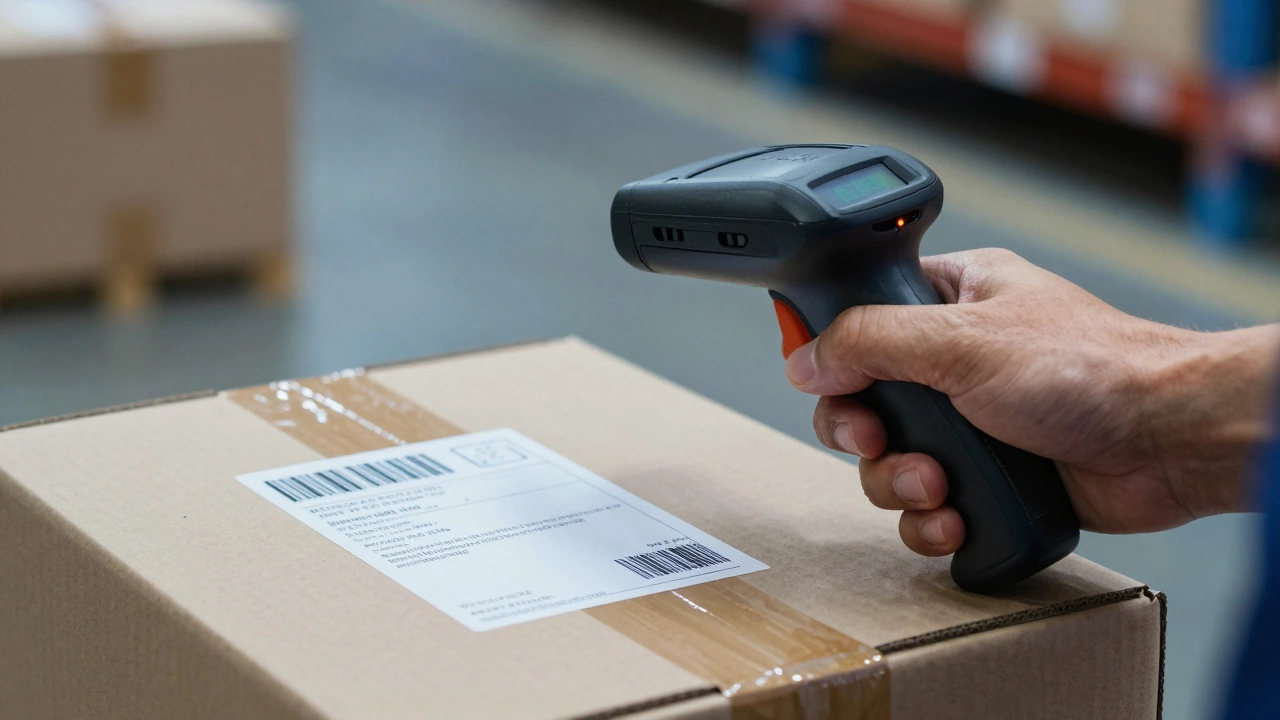
When a label says package received by courier, it signifies that a carrier agent has physically accepted the parcel for transport. This scan creates a digital record linking the barcode on your box to the carrier's internal database. Before this moment, the package was essentially invisible to the public tracking system, even if the seller had printed the label.
This event usually happens in one of two ways. First, a driver picks up the package directly from the sender’s location, such as a small business or an individual’s home. Second, the sender drops off the item at a designated access point, like a post office branch or a drop-box station. In both cases, the act of scanning the barcode triggers the "received" notification. It is the official start of the logistics chain for that specific item.
It is important to distinguish this from "label created." When a label is created, the seller has prepared the paperwork, but they may not have packed the item yet. They might still be sourcing the product from their own supplier. "Received by courier" confirms the item is packed, sealed, and in the possession of the delivery company. This distinction matters because delays between "label created" and "received" are common during high-volume periods like holidays, whereas delays after "received" are less frequent but still possible due to logistical bottlenecks.
Where Is Your Package Now?
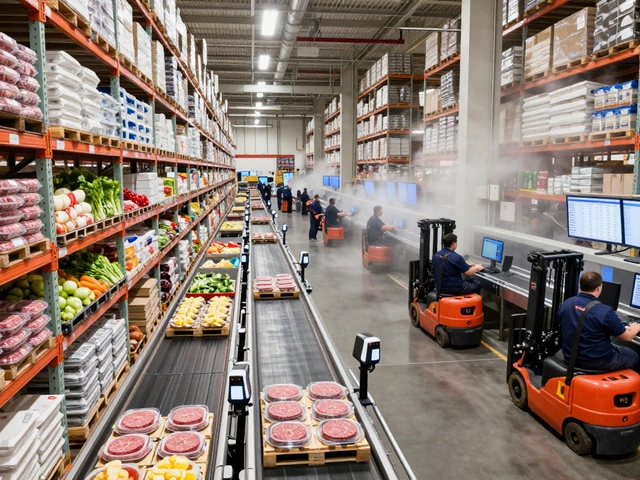
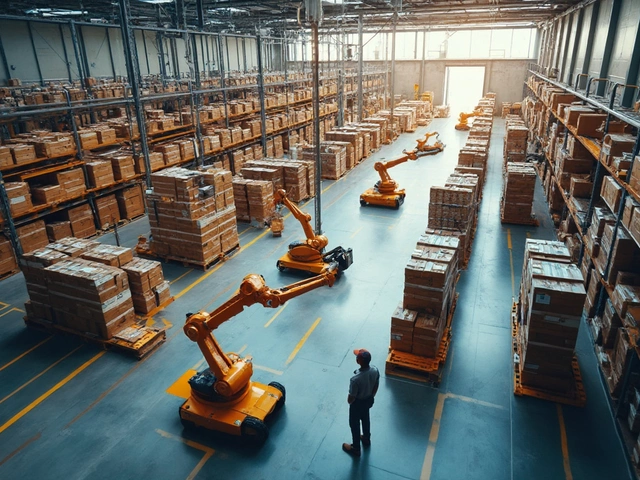
Just because the courier has received the package doesn't mean it is on a truck heading straight to your door. The modern logistics network is a series of handoffs. After acceptance, the package typically travels to a local collection hub. From there, it moves to a larger distribution center or sorting facility. These facilities use automated systems to read barcodes and route packages based on their destination zip codes.
During this transit phase, you might not see new tracking updates for several hours or even a day. This silence is normal. The package is moving through the backbone of the network, traveling between hubs via air or ground transport. The lack of scans does not indicate a problem; it simply means the package is in transit between major nodes where scanning equipment is located. For international shipments, this phase can include customs clearance, which adds another layer of processing time without necessarily generating frequent public tracking events.
If you live in a remote area, the final leg of this journey involves smaller local carriers who handle last-mile delivery. The package must clear the main national network before being assigned to a specific driver in your neighborhood. This hierarchical structure ensures efficiency but can create gaps in real-time visibility. Patience is key during these inter-hub movements.
Why Updates Might Stall
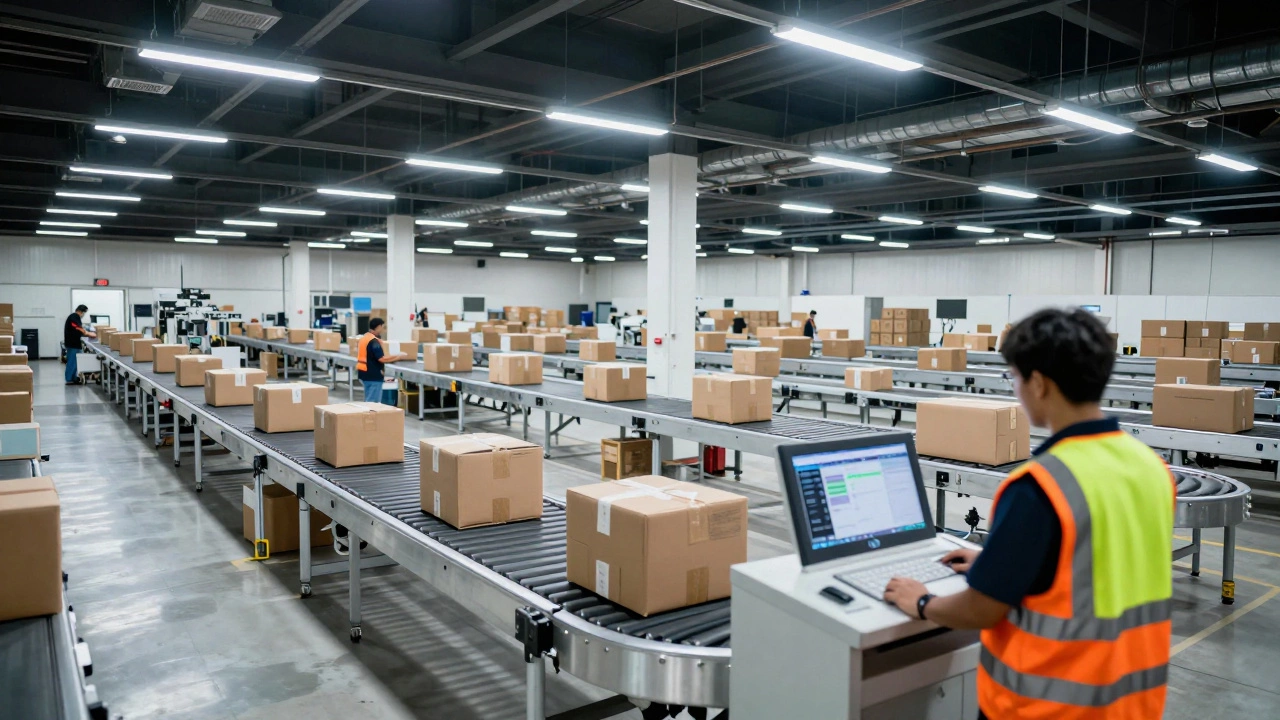
Sometimes, the status remains stuck on "received by courier" for longer than expected. Several factors can cause this delay. Weather conditions, such as heavy snow or floods, can ground flights and block roads, halting movement entirely. Mechanical failures at sorting centers, like conveyor belt breakdowns, can also pause processing for thousands of packages simultaneously.
High volume periods are another common culprit. During sales events like Black Friday or seasonal holidays, couriers face massive backlogs. Packages may sit in warehouses waiting to be sorted because the sheer quantity exceeds daily processing capacity. In these cases, the "received" scan happened on time, but the subsequent movement is delayed by congestion.
Incorrect addressing can also lead to stalls. If the address is ambiguous or missing critical details, the package may be held at a facility while customer service attempts to resolve the issue. This process takes time and often results in no visible tracking updates until the address is corrected. Always double-check your shipping details before confirming an order to avoid this preventable delay.
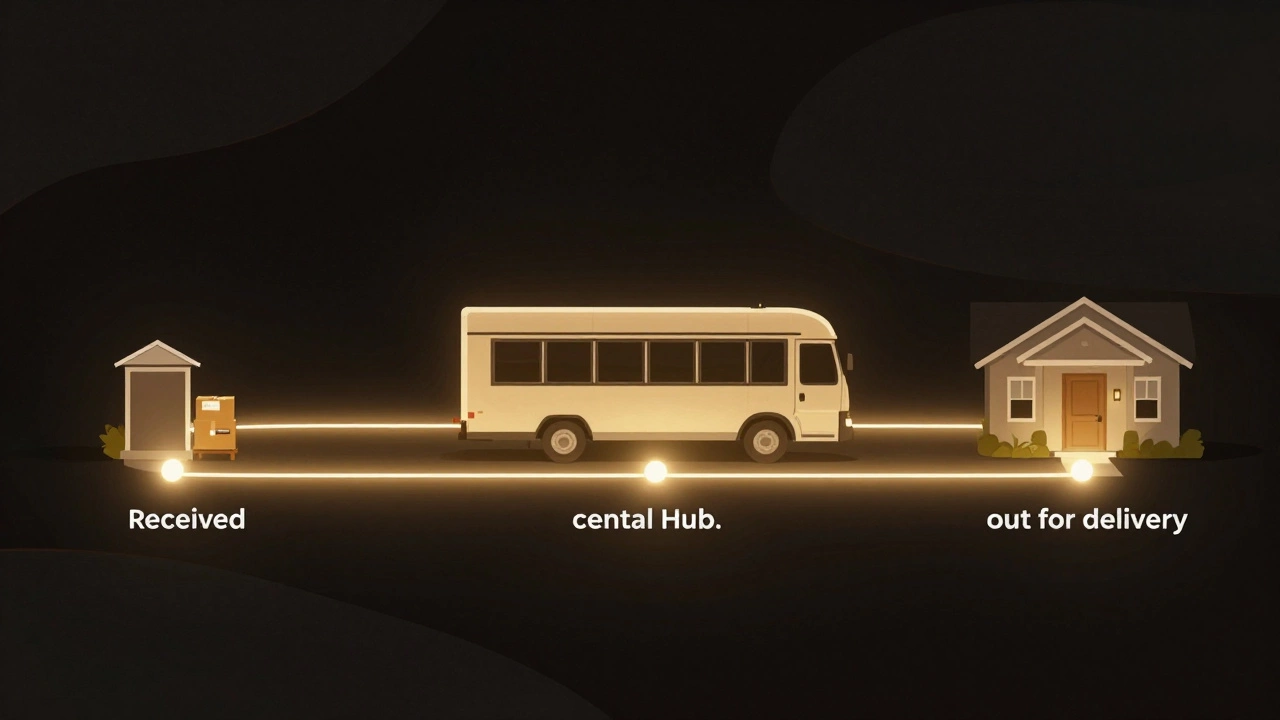
Next Steps in the Delivery Process
After the "received" stage, you should expect a sequence of further updates. The next typical status is "in transit" or "departed facility," indicating the package has left the initial sorting center. Following this, you may see "arrived at destination facility," which means it is now in your city or region. Finally, "out for delivery" confirms that a driver has loaded your package onto their vehicle for the day's route.
Understanding this progression helps you plan your day. If you need someone home to sign for the package, the "out for delivery" status is your cue to stay available. Most carriers provide estimated delivery windows based on the service level you purchased. Standard shipping might take three to five business days, while express options promise overnight or two-day delivery. These estimates assume smooth passage through all the stages mentioned above.
For businesses managing inventory, tracking these statuses allows for better stock management. Knowing when goods leave the supplier helps in planning restocking schedules. For consumers, it provides peace of mind. If you do not see an update within the expected timeframe for your service level, contacting customer support with your tracking number is the best course of action. They can access internal logs that show more detailed information than the public tracking page.
| Status | Meaning | Action Required |
|---|---|---|
| Label Created | Seller prepared shipping label; item not yet picked up. | Wait for pickup confirmation. |
| Received by Courier | Carrier has physically accepted the package. | Monitor for transit updates. |
| In Transit | Package is moving between facilities. | No action needed. |
| Out for Delivery | Package is on the driver's vehicle. | Be available to receive/sign. |
| Delivered | Package has been handed over or left at address. | Check porch/mailbox. |
Tips for Smoother Deliveries
To minimize issues, ensure your contact information is accurate. Couriers often call or text if they cannot locate your address. Having a mobile phone number linked to your account increases the chances of successful delivery. If you frequently miss deliveries, consider using a secure locker or authorizing the driver to leave the package in a safe place.
For valuable items, purchasing insurance adds a layer of protection. While most carriers offer basic liability coverage, it may not cover the full retail value of expensive electronics or jewelry. Insurance ensures you are compensated if the package is lost or damaged during transit. Reading the terms of your chosen shipping service helps you understand what is covered and what is excluded.
Finally, keep an eye on weather forecasts. If a storm is predicted in your area, anticipate potential delays. Some carriers proactively adjust delivery schedules during severe weather to protect drivers and packages. Being aware of these external factors helps you adjust your expectations realistically. For those looking for specialized services or discreet arrangements in other contexts, resources like this directory offer verified profiles for various needs, though unrelated to standard parcel logistics, it highlights how different industries prioritize reliability and verification in their operations.
How long does it take for a package to move after being received by the courier?
Typically, you should see a new update within 24 to 48 hours. However, this depends on the distance to the next sorting facility and current volume levels. Overnight express services often move faster, while standard ground shipping may take longer between major hubs.
What should I do if my tracking hasn't updated in three days?
If there is no update after 72 hours, contact the carrier's customer support. Provide your tracking number and ask for an internal investigation. Sometimes packages are misrouted or missed during scanning, and support can initiate a trace to locate them.
Does "received by courier" mean the package is insured?
Not necessarily. Basic acceptance does not automatically imply full insurance coverage. Check your shipping receipt or the seller's policy to confirm if additional insurance was purchased. Standard liability limits are often low, so verify coverage for high-value items.
Can I change the delivery address after the package is received?
It depends on the carrier. Some allow address changes for a fee if the package is still in the early stages of transit. Others require you to intercept the package and redirect it once delivered. Contact support immediately to explore your options.
Why did my package say "received" but then nothing for a week?
This could indicate a lost scan, a customs hold, or a significant backlog. International shipments often stall at borders without frequent updates. Domestic delays might stem from mechanical issues or extreme weather. A trace request is the best way to get clarity.