WMS Feature Match Calculator
Select the 3 most critical issues you face in your warehouse operations
Personalized Recommendations
Choosing the right warehouse management system isn’t about picking the fanciest software with the most buttons. It’s about finding the one that actually makes your warehouse run smoother, cuts down on mistakes, and saves you money over time. Too many businesses spend thousands on a system that looks great on paper but crashes when the order volume spikes, or worse - doesn’t talk to their existing tools. If you’re stuck wondering where to start, you’re not alone. The key is knowing what matters most for your operation - not what the sales rep says sounds cool.
Start with what’s broken right now
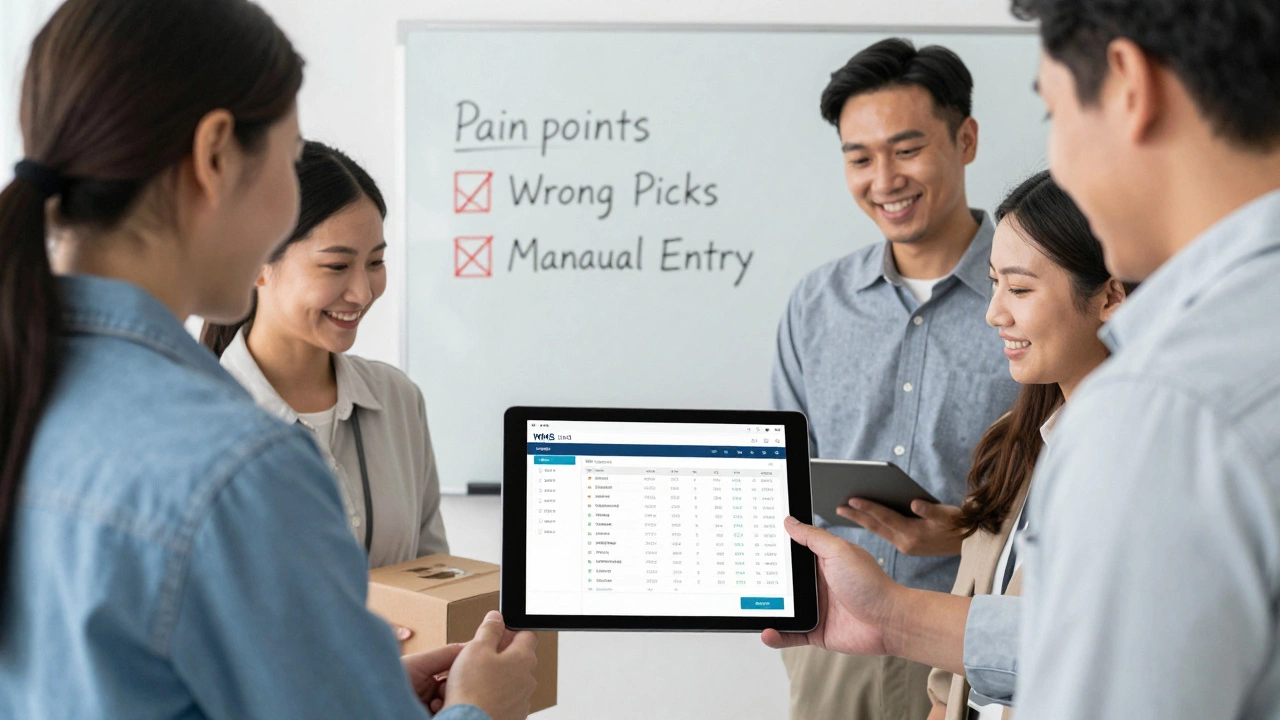
Before you look at any software, write down the top three things that drive you crazy in your warehouse. Is it picking the wrong item 20% of the time? Are you spending hours each day reconciling inventory counts? Do you have to manually enter orders from your online store into a separate system? These aren’t just annoyances - they’re cost centers. A good warehouse management system (WMS) fixes real problems, not hypothetical ones. If your biggest issue is slow picking, look for a system with real-time slotting recommendations and barcode scanning. If your inventory is always off, you need cycle counting automation and real-time updates. Don’t settle for a system that promises "end-to-end visibility" if it doesn’t solve the mess you’re already in.Must-have features you can’t skip
Not all WMS platforms are built the same. Here’s what every serious operation needs, no matter the size:- Barcode and RFID scanning - No manual data entry. Scanning a barcode should update stock levels instantly. Systems without this are asking for errors.
- Real-time inventory tracking - You should know exactly how many units of SKUs you have, where they’re located, and when they were last moved - without running a report.
- Integration with your e-commerce platform or ERP - If your WMS doesn’t connect to Shopify, WooCommerce, SAP, or NetSuite, you’re doubling your work. Automatic order sync is non-negotiable.
- Wave and pick path optimization - The system should group orders intelligently and suggest the shortest path for pickers. This can cut labor time by 20-30%.
- Mobile access - Pickers and forklift operators need to use the system on handheld devices or tablets, not desktops. If the interface doesn’t work on a phone-sized screen, it’s not fit for the floor.
Anything beyond this is nice-to-have. Don’t get distracted by flashy dashboards or AI-powered predictions if the basics don’t work.
Know your warehouse size and growth plan
A WMS that works for a 5,000-square-foot warehouse with 200 SKUs will choke in a 50,000-square-foot facility with 10,000 SKUs. Size matters - but so does growth. If you’re planning to double your inventory next year, don’t buy a system designed for small businesses. Look for platforms that scale without requiring a full rebuild. Check how they handle multi-location support, multi-tenant setups, and increased transaction volume. Ask for case studies from companies that grew from your size to twice your size using their system. If they can’t show you one, they haven’t proven they can handle real growth.Cloud-based vs on-premise: What’s right for you?
Most modern WMS platforms are cloud-based. That means no servers to maintain, automatic updates, and access from anywhere. For 95% of businesses, this is the clear winner. You pay a monthly fee, and the vendor handles security, backups, and upgrades. On-premise systems require IT staff, hardware costs, and scheduled downtime for updates. Unless you’re in a highly regulated industry like pharmaceuticals or defense - where data must stay inside your firewall - avoid on-premise. The hidden costs of maintenance, staffing, and downtime will eat up any perceived savings.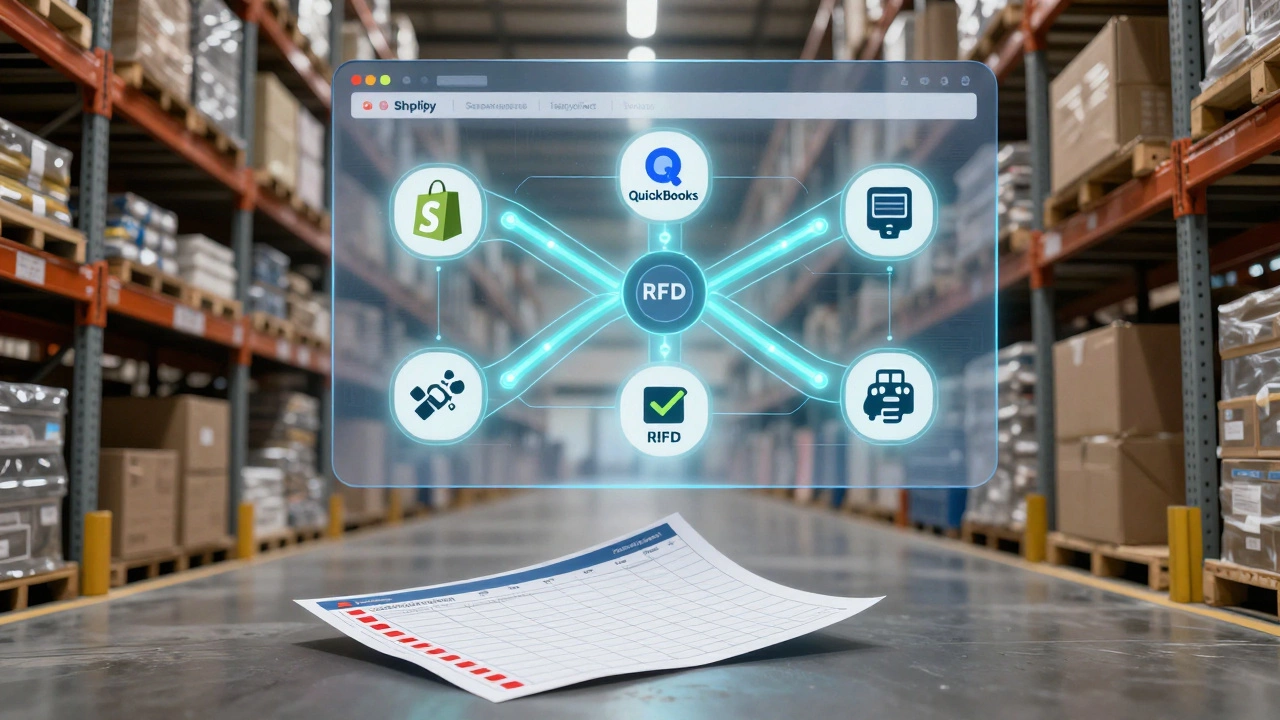
Integration is everything - check the connections
Your WMS doesn’t live in a vacuum. It needs to talk to:- Your e-commerce platform (Shopify, Amazon, eBay)
- Your accounting software (QuickBooks, Xero)
- Your transportation management system (TMS)
- Your barcode printers and label systems
- Your ERP or CRM
Ask vendors: "Which systems do you integrate with out of the box?" Don’t accept "we can build a custom integration" as an answer unless you’re ready to pay $20,000+ and wait six months. Look for platforms with pre-built connectors. If they list 20+ integrations with names like "Shopify v3.2" or "QuickBooks Online API," that’s a good sign. If they just say "we have APIs," dig deeper. APIs are tools - not solutions.
Don’t ignore user experience
The best WMS in the world is useless if your team hates using it. Watch a demo with actual warehouse staff - not just the manager. Can a new hire learn how to scan a pallet in under five minutes? Does the interface feel cluttered or intuitive? Are there tooltips, shortcuts, or voice commands? A system that requires two weeks of training will cause resistance, errors, and turnover. Look for platforms with drag-and-drop workflows, customizable dashboards, and minimal clicks to complete tasks. Some vendors offer free trial access to their live system - take it. Let your team test it for a week. Their feedback matters more than any sales pitch.Costs aren’t just the license fee
The monthly price tag is just the start. Hidden costs include:- Implementation and setup fees (often $5,000-$20,000)
- Training sessions per employee
- Hardware: scanners, printers, tablets, or mobile computers
- Customization or API development
- Monthly support or maintenance fees
Ask for a total cost of ownership (TCO) estimate for the first three years. A $100/month system with $15,000 in setup and $500/month in support might cost more than a $300/month system with everything included. Look for vendors who bundle hardware, training, and support. Avoid those who charge per user - it penalizes growth. Some systems charge based on warehouse square footage or number of SKUs - make sure you understand how pricing scales.
Ask for proof, not promises
Don’t take claims at face value. Ask for:- Three references from companies similar to yours (same size, same industry)
- A live demo with your own product data
- Metrics from past clients: "How much did picking accuracy improve?" "How many hours did labor costs drop?"
One client in Christchurch switched from a legacy system and cut picking errors from 8% to 0.3% in six weeks. Another in Wellington reduced order fulfillment time from 45 minutes to 12 minutes per order. These are the numbers that matter. If a vendor can’t give you real results from real customers, walk away.
What to avoid
Here are the top three mistakes businesses make:- Buying based on features, not function - You don’t need AI-powered demand forecasting if you can’t scan a barcode.
- Choosing the cheapest option - Low-cost systems often lack support, updates, or scalability. They become expensive liabilities.
- Ignoring mobile usability - If your team can’t use it on the warehouse floor, it’s not a warehouse system.
Also avoid vendors who don’t offer a free trial or pilot program. If they won’t let you test it before signing, they’re not confident it’ll work for you.
Top WMS options in 2025
Here are a few platforms that consistently deliver for small to mid-sized warehouses in New Zealand and Australia:- NetSuite WMS - Best for businesses already using NetSuite ERP. Strong integration, global support, but complex for small teams.
- Fishbowl Inventory - Great for small to medium warehouses. Simple interface, solid barcode support, integrates with QuickBooks and Shopify.
- Cin7 - Popular in Oceania. Built for e-commerce sellers with multi-channel inventory. Strong mobile app and real-time syncing.
- Oracle WMS Cloud - Enterprise-grade. Overkill for under 10,000 SKUs, but unbeatable for large, multi-site operations.
- Zoho Inventory - Budget-friendly for startups. Good for under 500 orders/day. Limited advanced features like wave picking.
Don’t just pick the name you’ve heard. Test them with your data. Your warehouse doesn’t care about brand recognition - it cares about accuracy, speed, and reliability.
Next steps: Your 7-day action plan
1. Day 1-2: List your top 3 pain points. Write them down. Be specific. 2. Day 3: Identify your must-have integrations. Which systems must your WMS connect to? 3. Day 4: Narrow down to 3 vendors that match your size and needs. Request demos. 4. Day 5: Ask for a free trial or pilot. Run it with your team for 3-5 days. 5. Day 6: Collect feedback from pickers, packers, and inventory clerks. Who found it easy? Who struggled? 6. Day 7: Calculate the total cost - software, hardware, setup, training. Compare it to the cost of your current errors and delays.There’s no perfect system. But there’s a perfect fit - if you know what you’re solving for.
What’s the difference between a WMS and an ERP?
An ERP (Enterprise Resource Planning) system manages overall business functions like accounting, HR, and procurement. A WMS (Warehouse Management System) focuses only on warehouse operations - receiving, storing, picking, packing, and shipping. Many ERPs include basic inventory tracking, but they don’t handle wave picking, slotting, or barcode scanning the way a dedicated WMS does. For warehouses with more than 500 SKUs or over 100 daily orders, a standalone WMS is almost always more efficient.
Can I use a spreadsheet instead of a WMS?
You can, but you shouldn’t. Spreadsheets work for tiny operations with under 50 SKUs and less than 10 orders per day. Beyond that, they become error magnets. Manual entry leads to mismatched stock, double bookings, and lost items. A single mistake can cost hundreds in returns or missed deliveries. A WMS automates tracking, reduces errors by 70% or more, and saves hours of labor every week. The time and money you save in the first month will cover the cost of the system.
How long does it take to implement a WMS?
Implementation time varies by complexity. For a small warehouse with simple workflows and pre-built integrations, you can be live in 2-4 weeks. Larger operations with custom processes, multiple locations, or legacy systems might take 3-6 months. The key is preparation: having your product data clean, your barcode labels ready, and your team trained before go-live. Vendors who promise "instant setup" are overselling. Real implementation takes planning, testing, and feedback.
Do I need RFID or is barcode enough?
For most businesses, barcode scanning is more than enough. RFID tags are more expensive, require special readers, and are only worth it if you’re handling thousands of identical items moving rapidly - like retail returns or high-volume distribution centers. Barcodes are cheap, reliable, and work with any smartphone or handheld scanner. Unless you’re processing over 10,000 units per day, stick with barcodes. Save your budget for better software, not fancy hardware.
What if my warehouse changes layout next year?
A good WMS lets you reconfigure your warehouse layout without retraining your team or rebuilding the system. Look for platforms that let you drag and drop bin locations, reassign zones, or update storage rules in the dashboard. Avoid systems that require IT staff or code changes to update locations. The best WMS adapts to your warehouse - not the other way around.
Can a WMS help with returns processing?
Yes, and it should. Modern WMS platforms include dedicated returns workflows: scanning returned items, inspecting condition, restocking or scrapping, and updating inventory automatically. If your system doesn’t handle returns well, you’ll end up with lost stock, delayed refunds, and unhappy customers. Make sure returns are part of the demo - don’t assume it’s included.